Your local-first workspace

Your notes, files and links. Organized by AI. Kept on your device.

Bring notes, files, recordings, webpages, bookmarks and YouTube videos together. Organize with AI, connect related items, set reminders and turn action items into plans—with the source material attached.

NeuVault doesn’t keep your files on its servers.

AI features use temporary online processing. Planner and reminder data sync through your account when online.

  • Notes, files and saved links stay on your device
  • Works offline
  • Encrypted backups you control
  • Mac, Windows, iPhone & Android

01 CAPTURE & ORGANIZE

Your notes and files.
Organized for you.

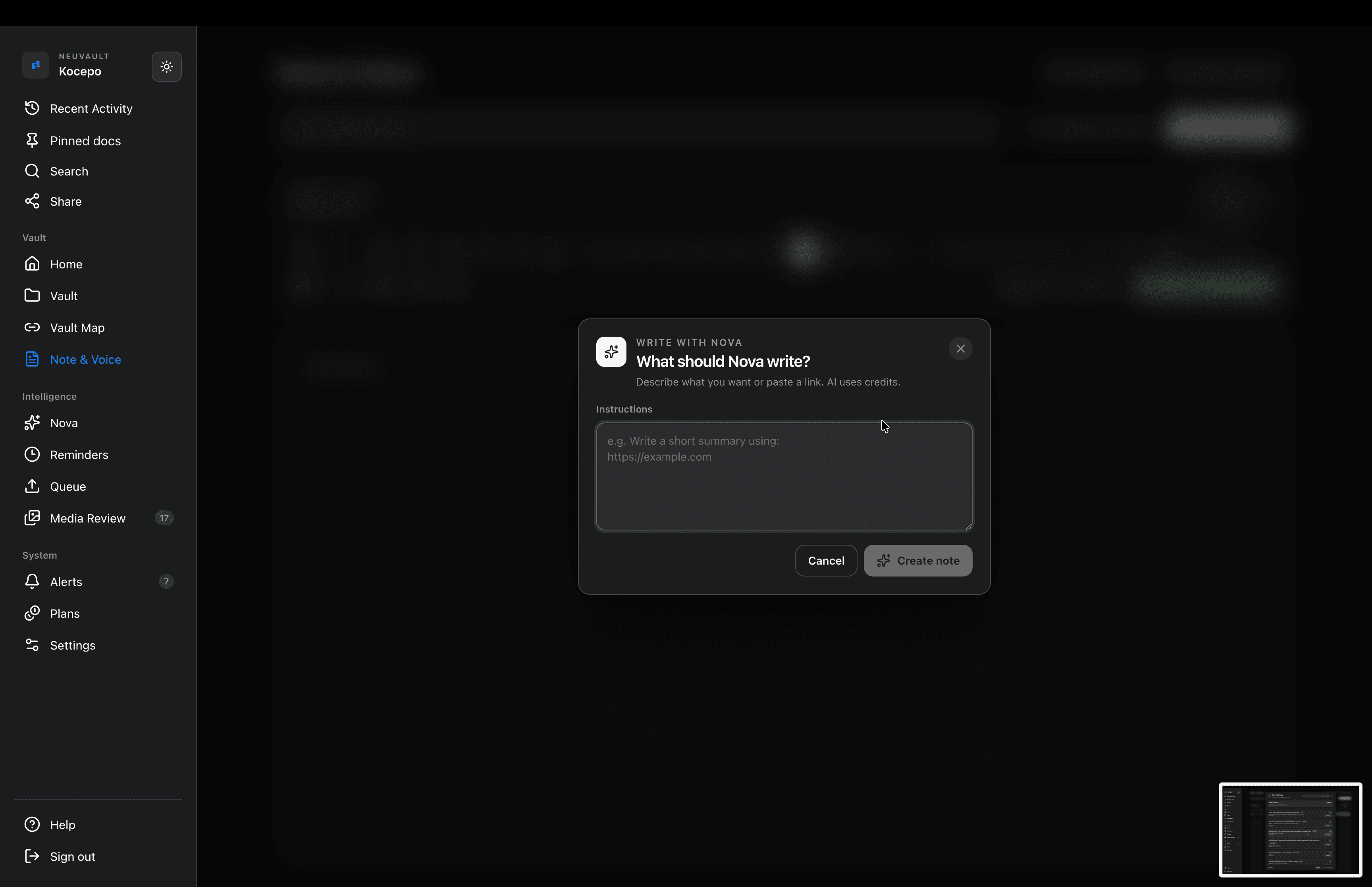
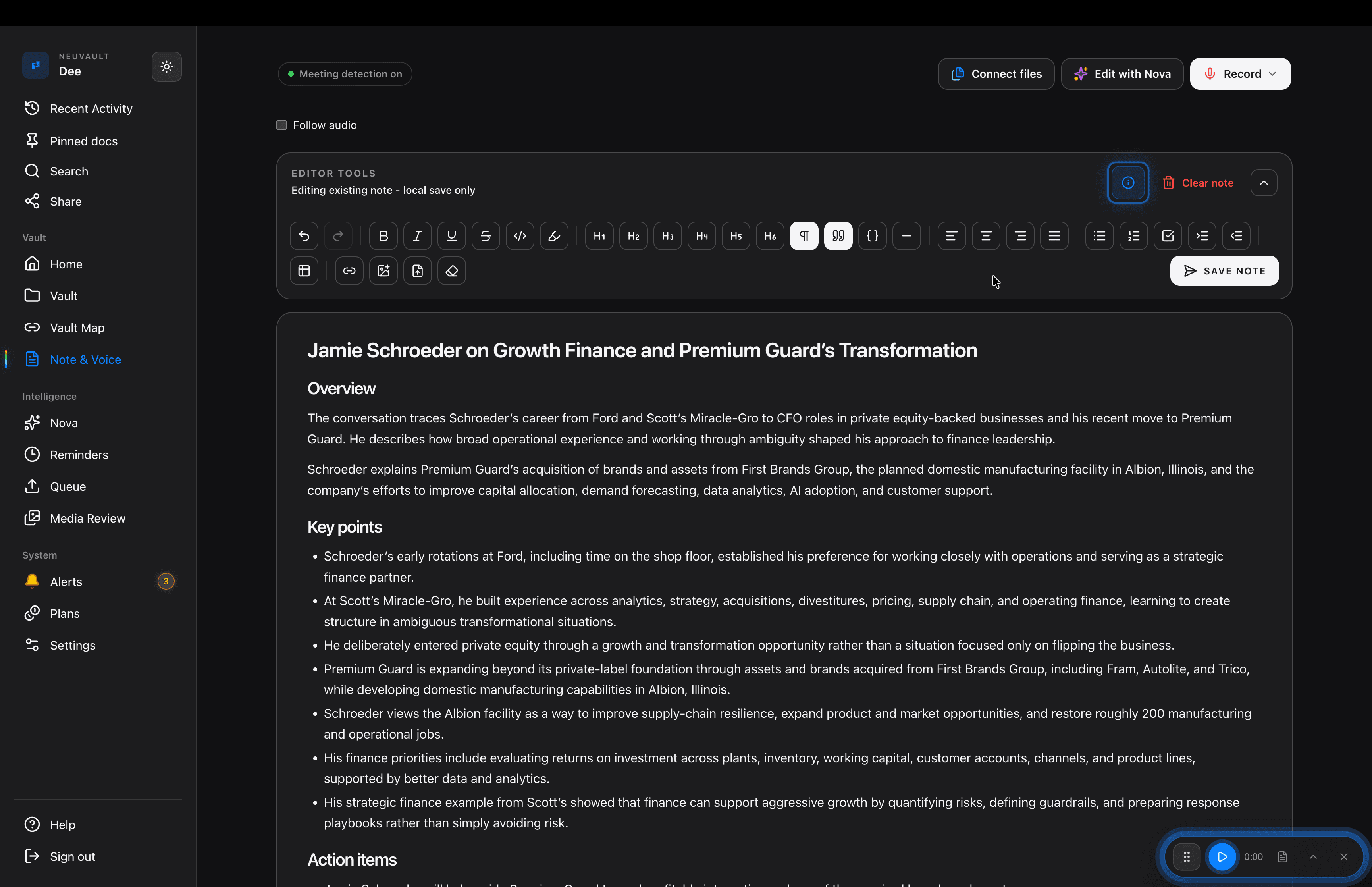
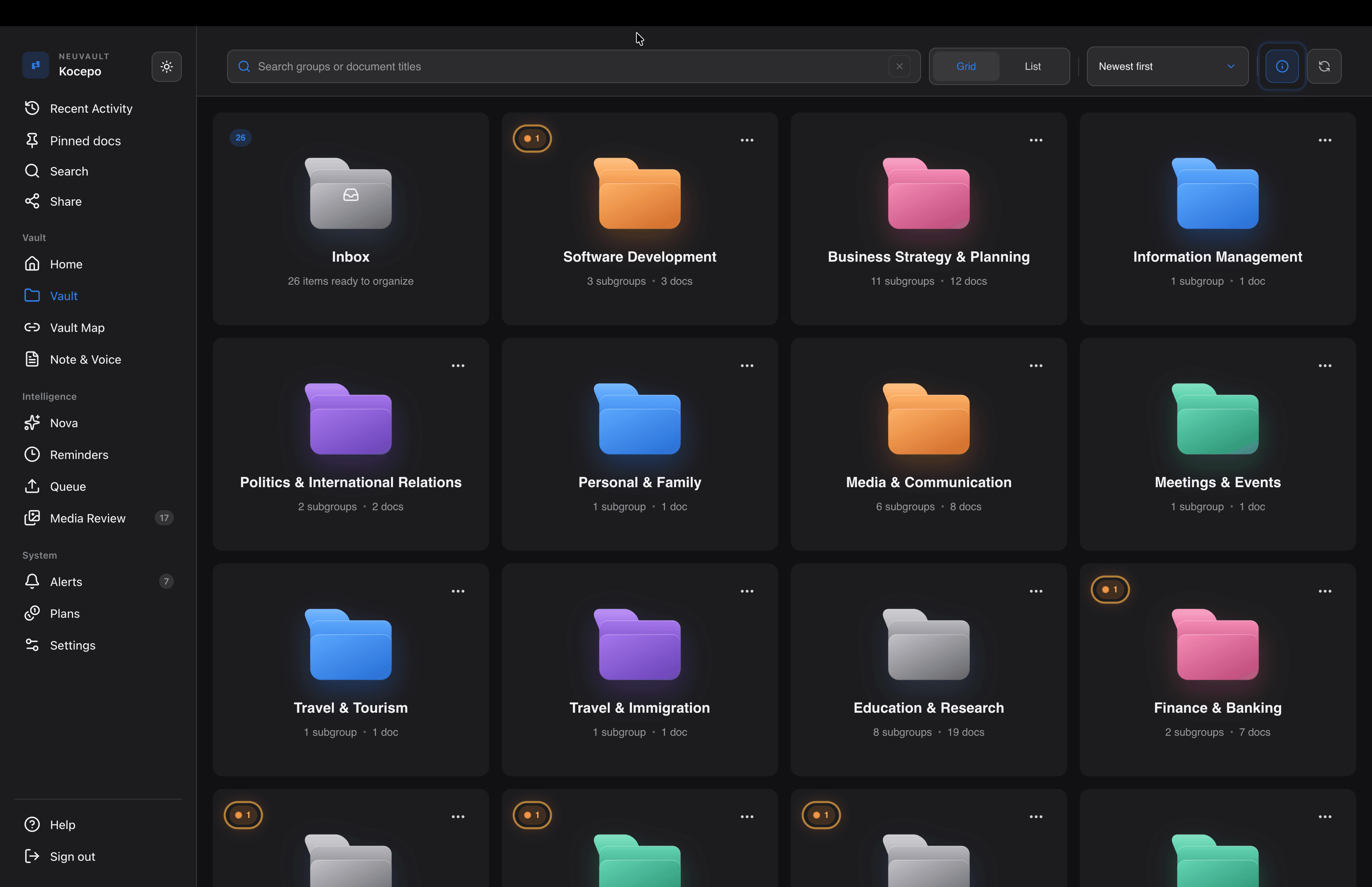
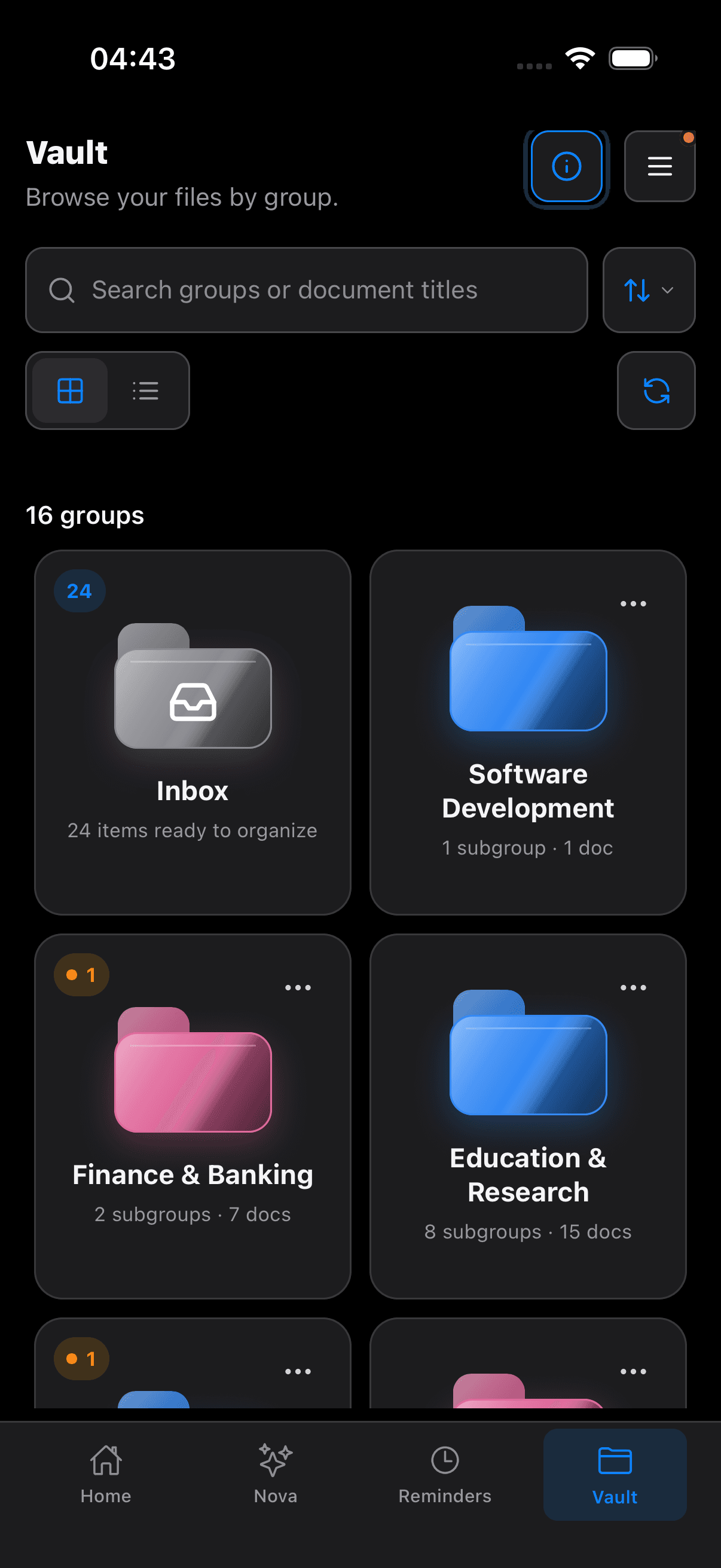
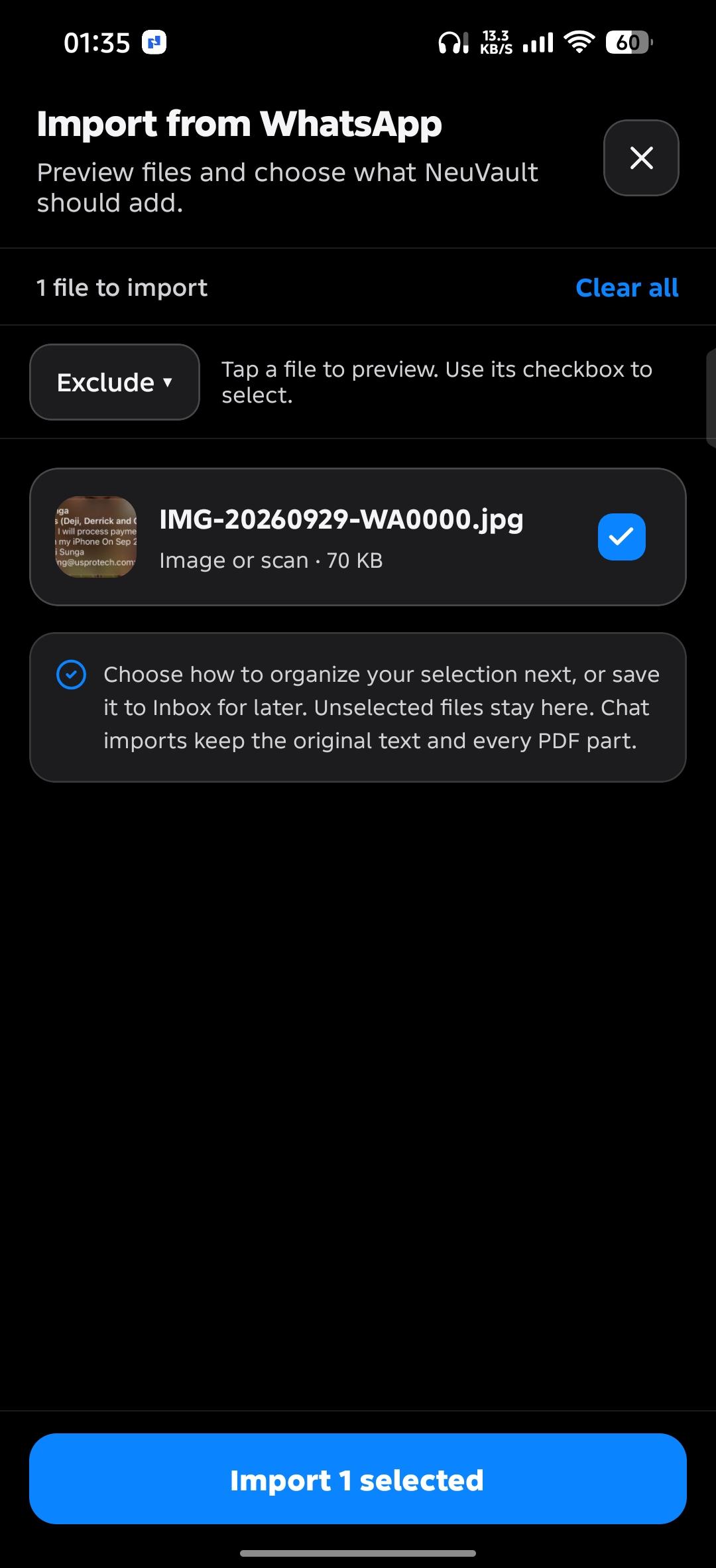
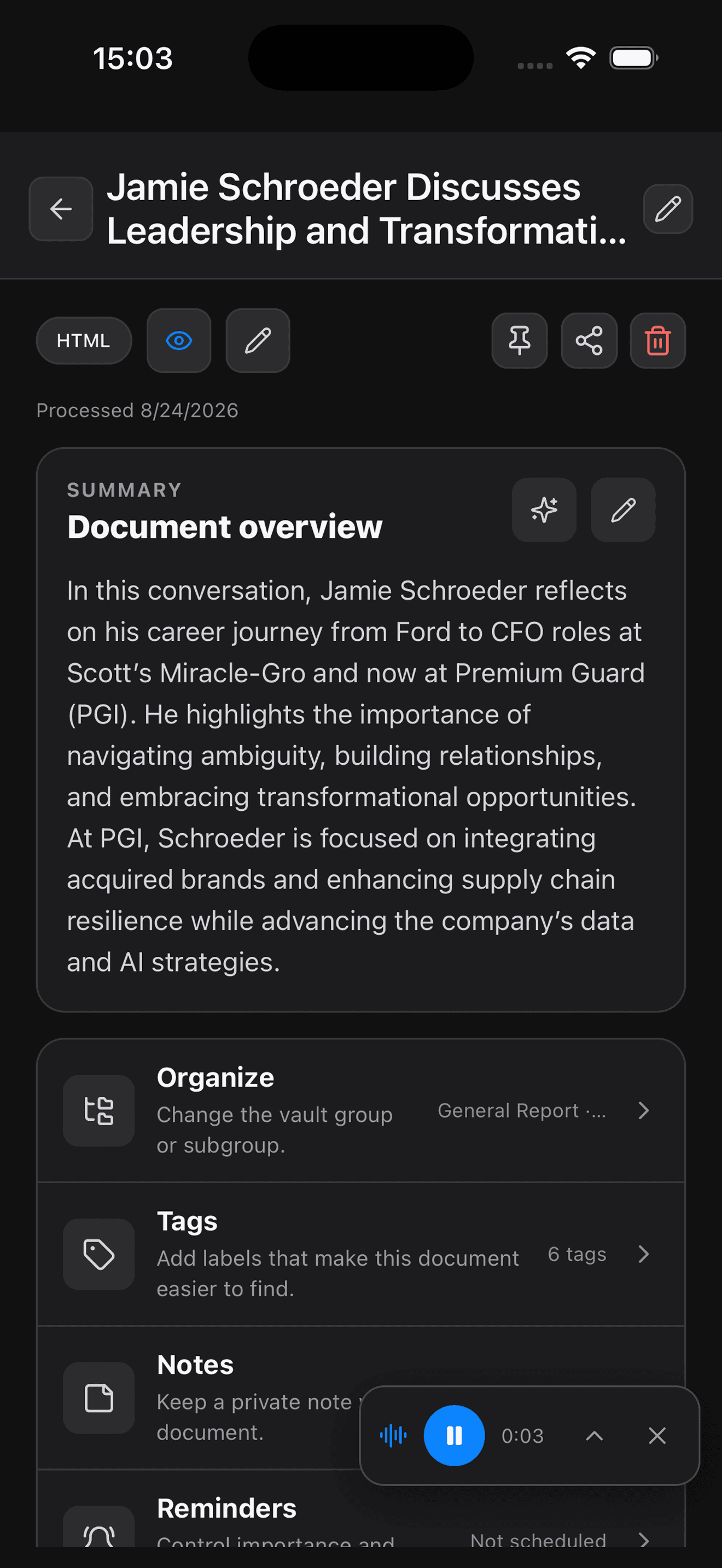
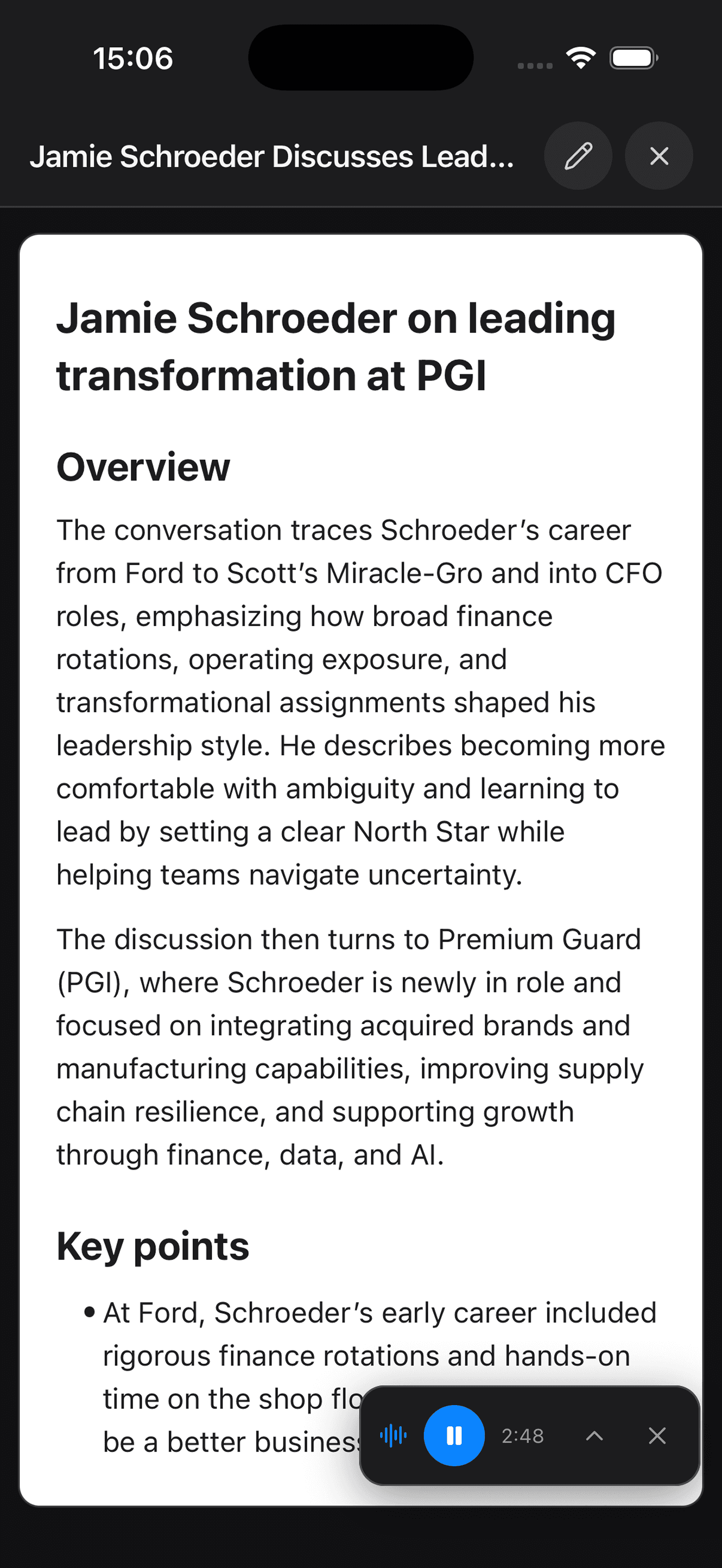
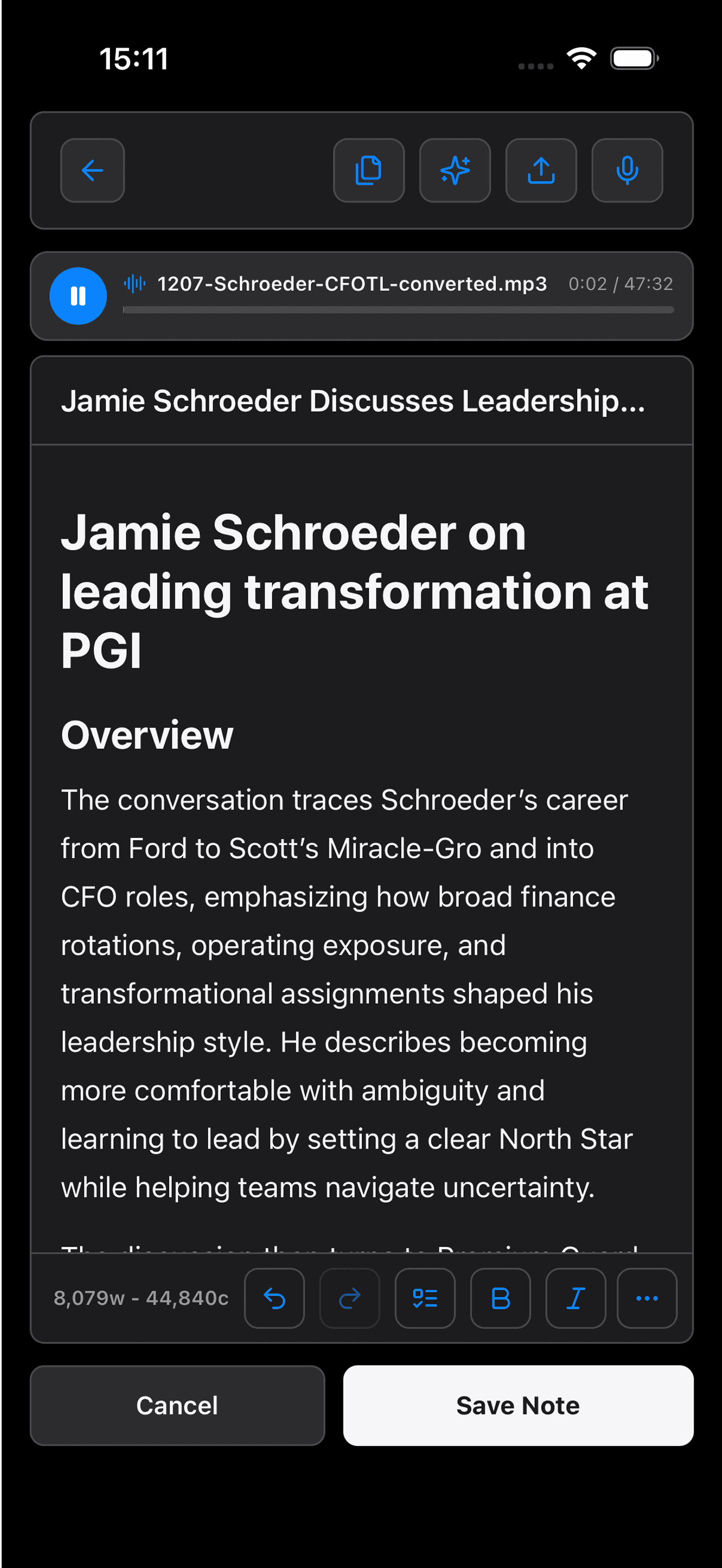
Stop importing and sorting everything by hand. Watch files arrive automatically and AI organize your notes, files and saved links. Write a note or ask Nova to write or edit it, connect the files behind your ideas, and turn recorded or uploaded audio into summaries and searchable transcripts.

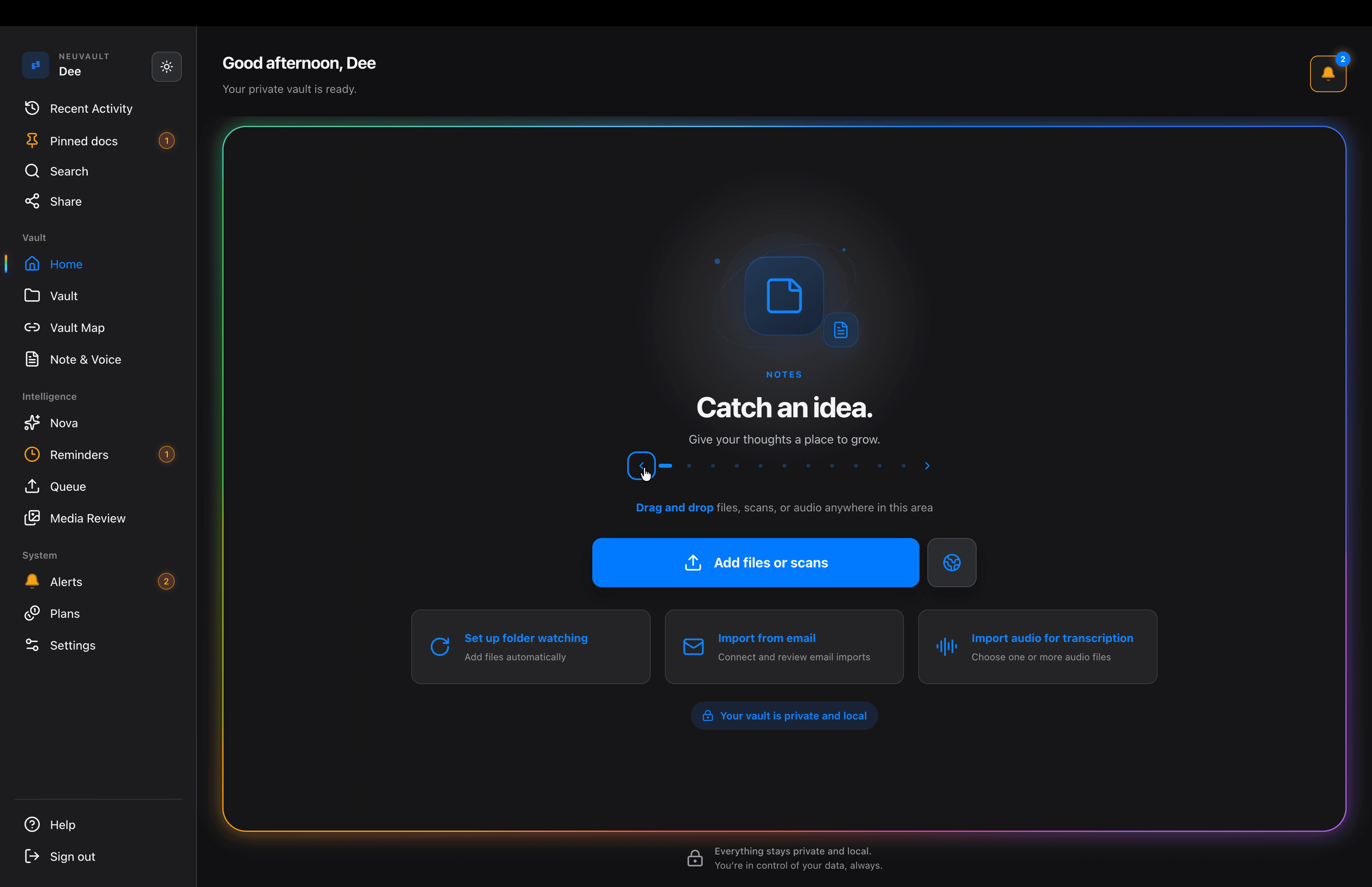
Inside NeuVault DesktopProduct tour

Good afternoon, Alex

Your private vault is ready.

Auto-import

Import new files automatically.

Choose folders on your computer. Files arrive in your vault.

Drag and drop files, scans, or audio anywhere in this area

Import files or scans
Set up auto-importAdd new files from folders automatically
Import from emailConnect and review email imports
Import audio for transcriptionChoose one or more audio files
Your vault is private and local

Everything stays private and local.You’re in control of your data, always.

00 / 86s

02 PLANNER

Give your ideas a next step.
Keep the context with the plan.

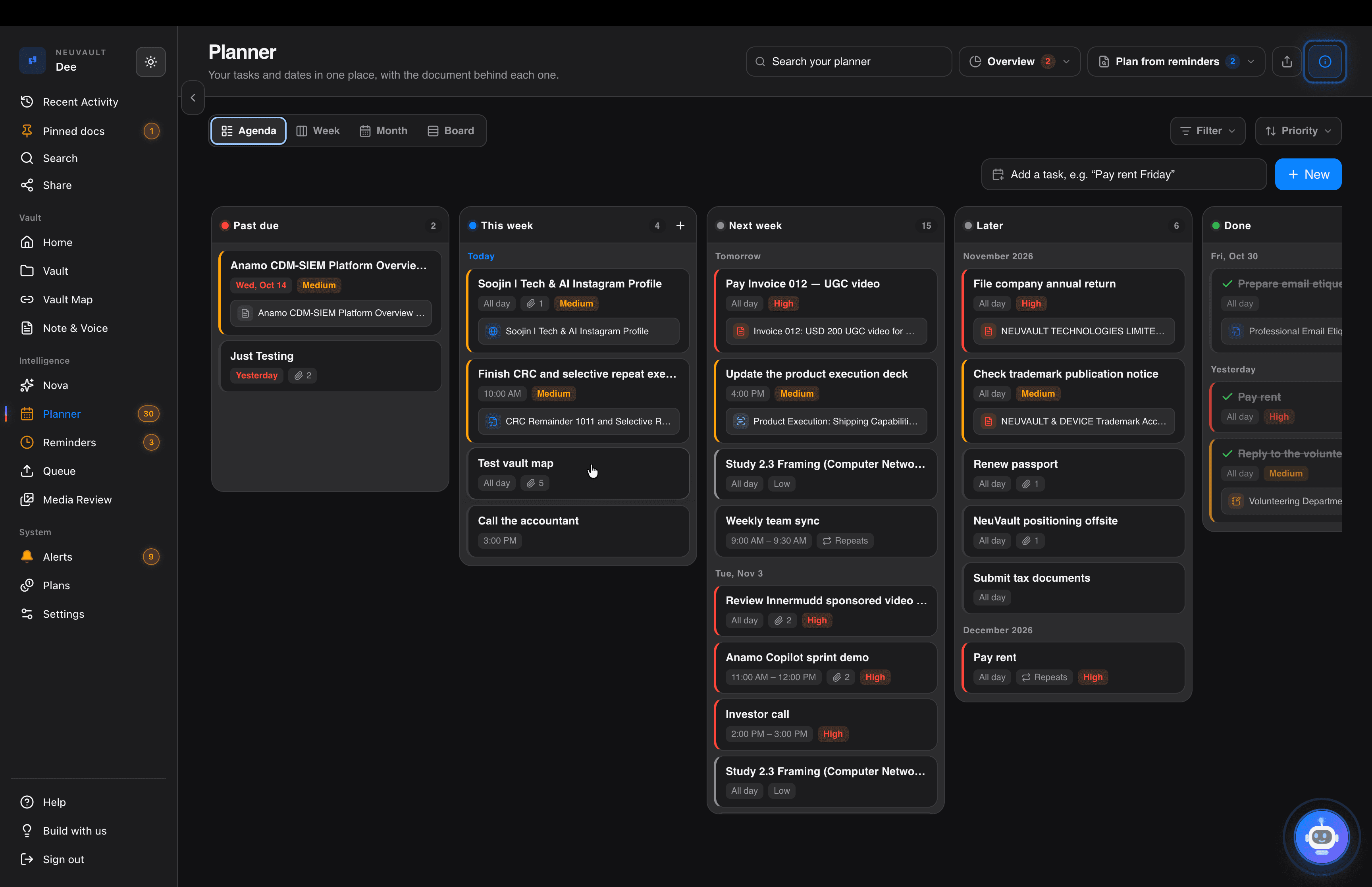
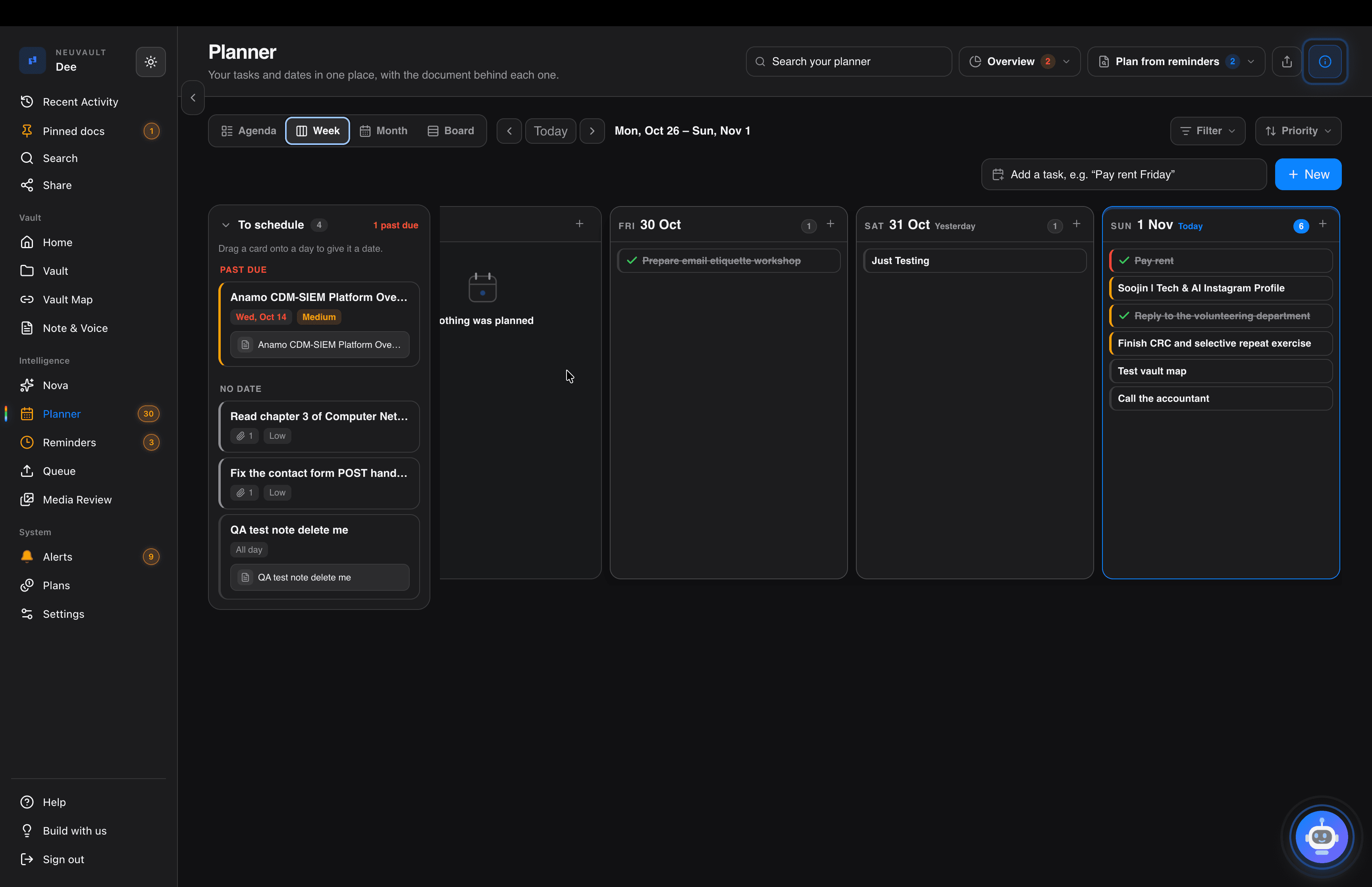
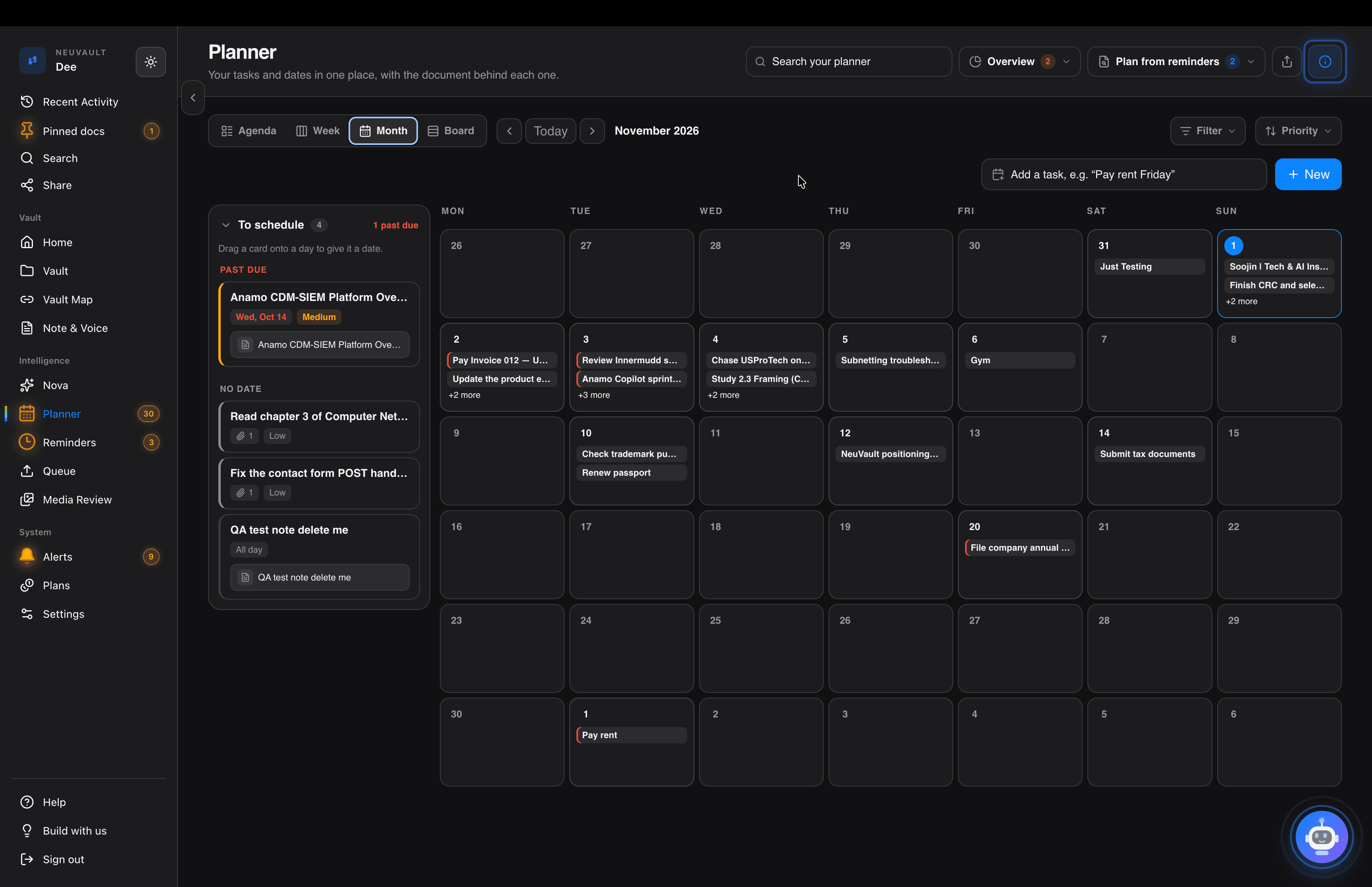
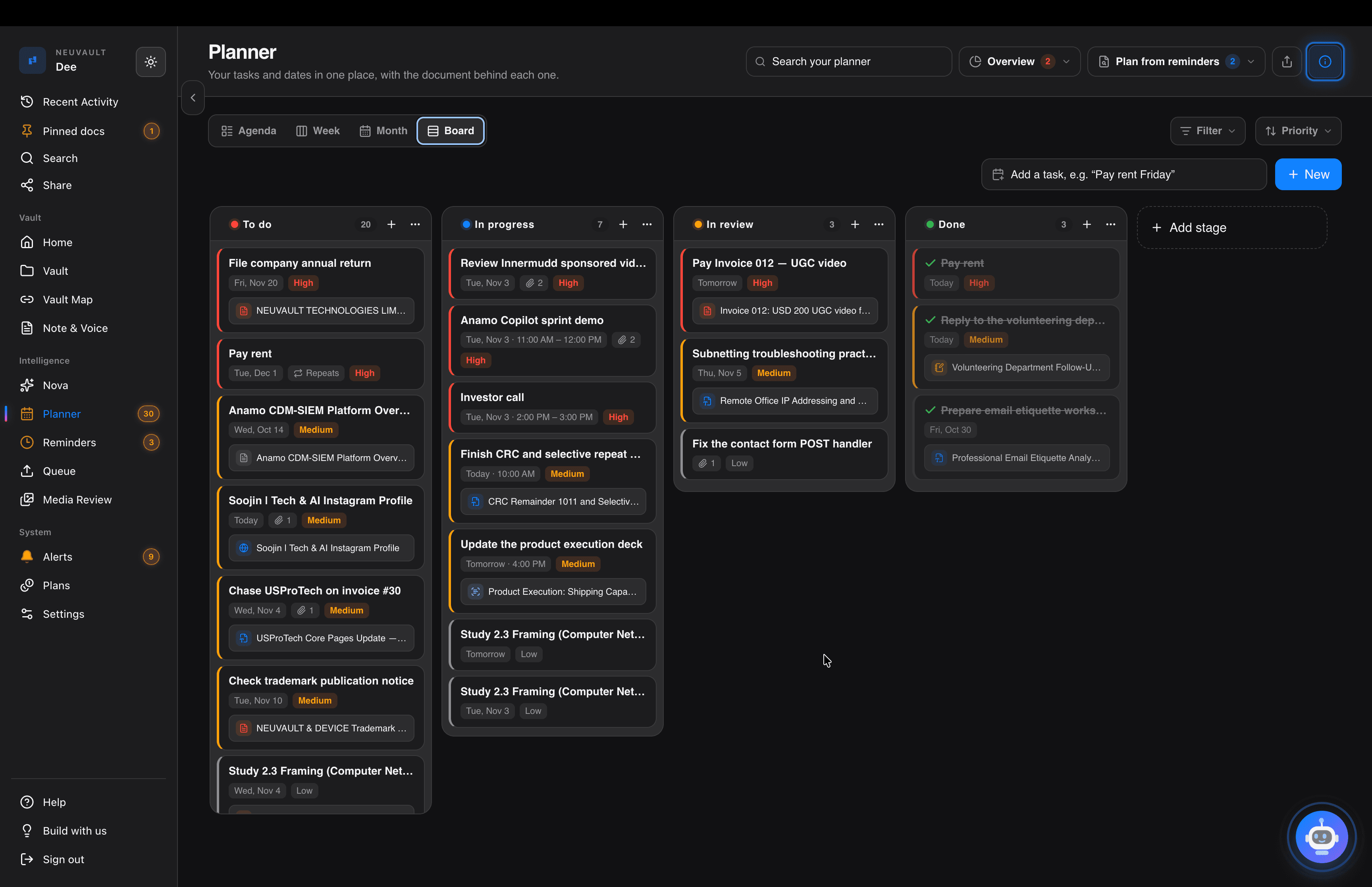
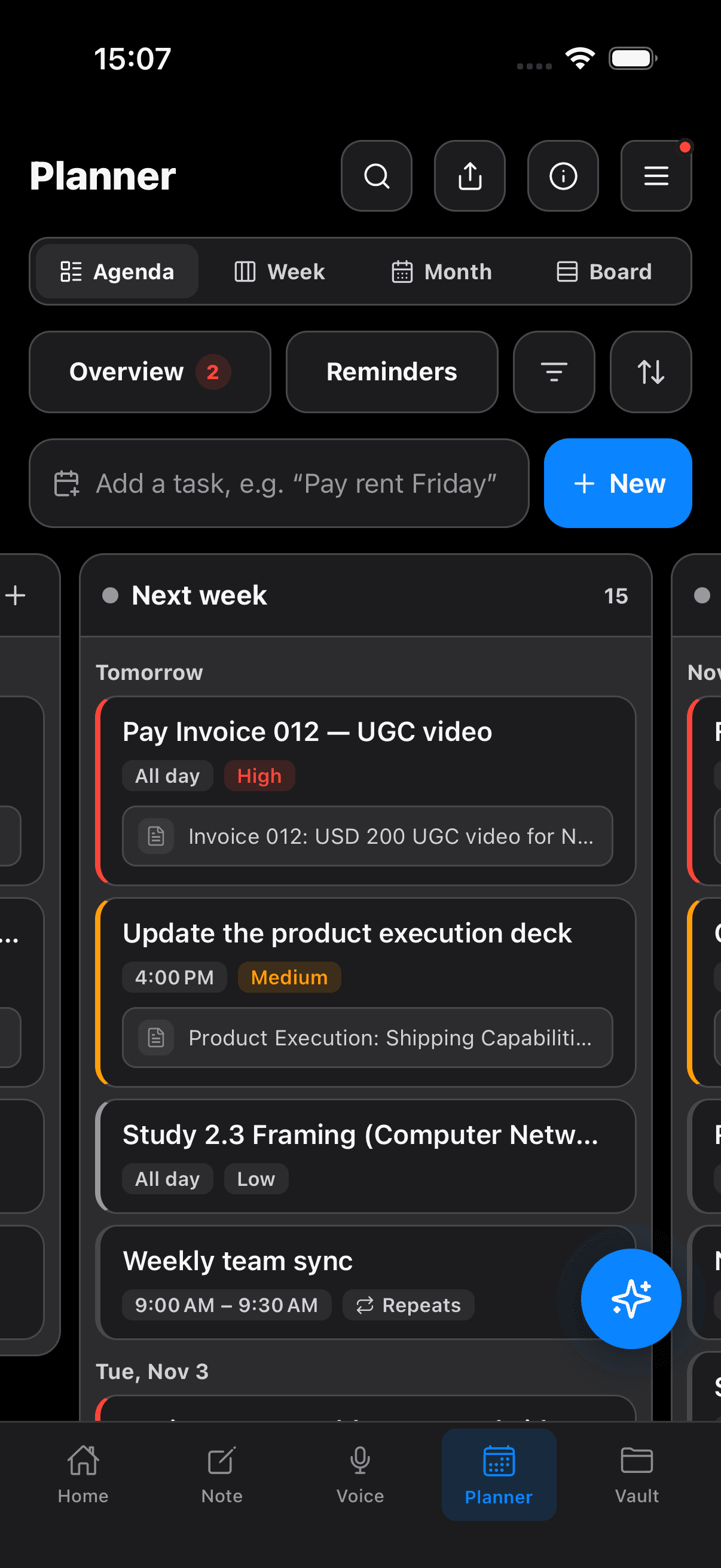
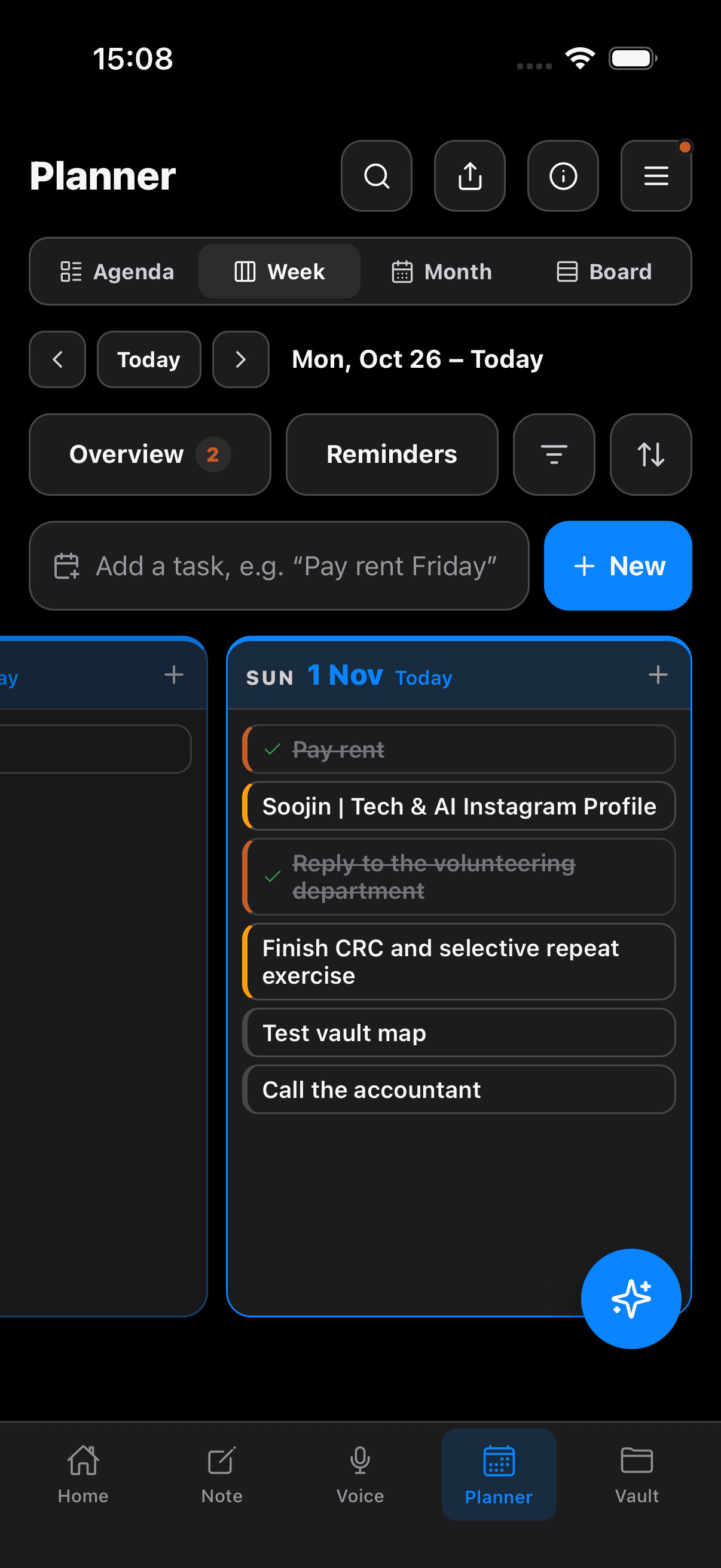
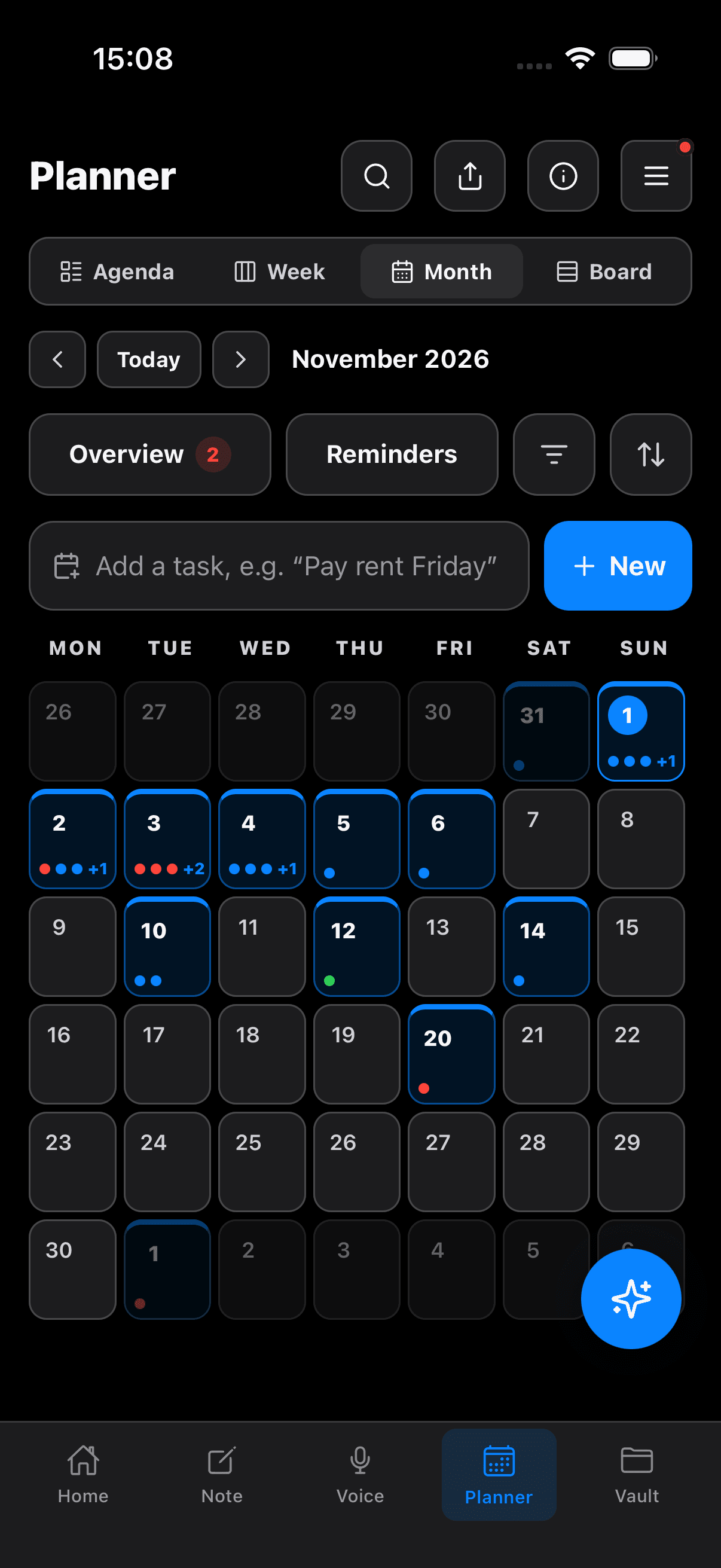
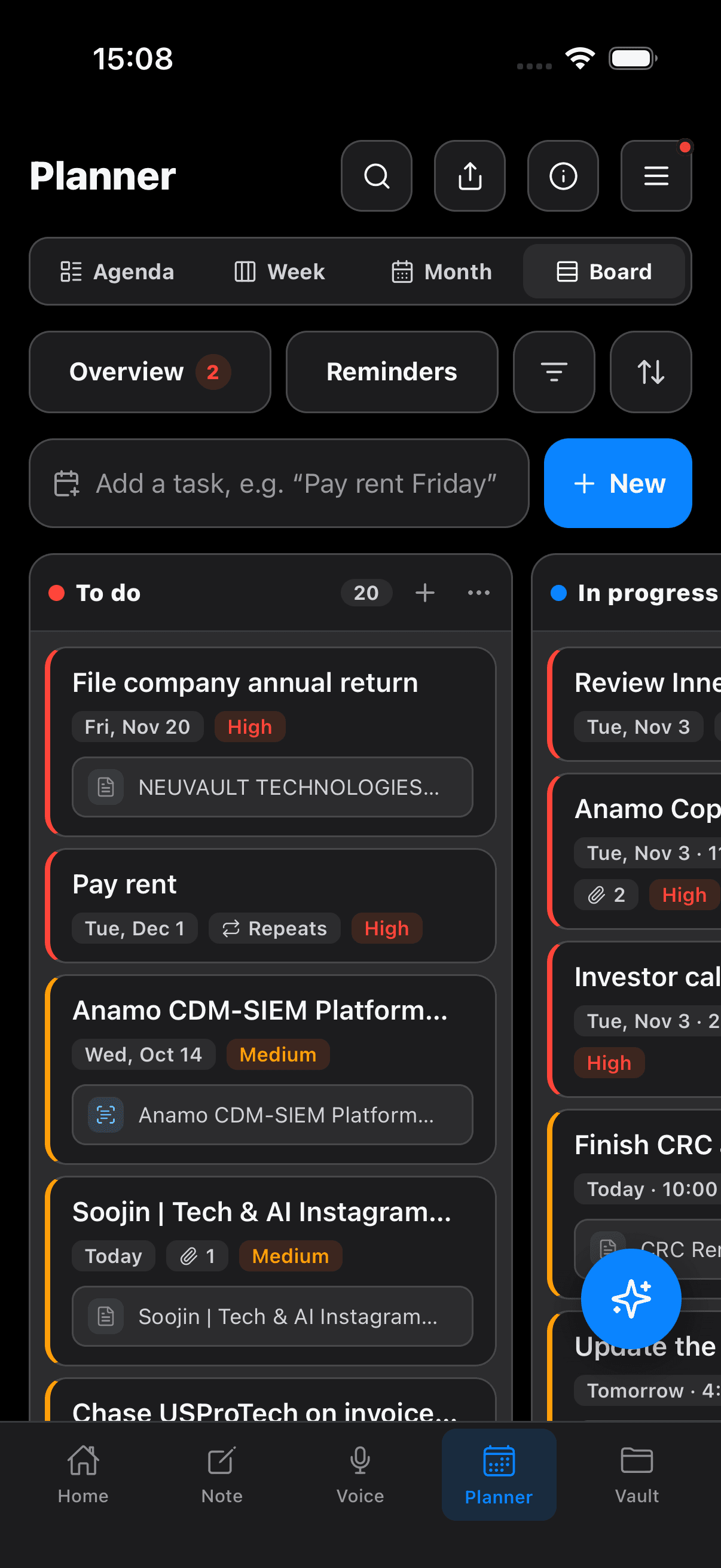
Turn your notes and ideas into a plan. Schedule tasks and events, move things when priorities change, and keep supporting notes and files connected. Ask Nova to make several changes in one message—review them together, confirm once, and watch your plan update.

Inside NeuVault PlannerOne request · Several changes

Planner

Your tasks and dates in one place, with the document behind each one.
OverviewPlan from reminders
FilterDefault

No date

1
Choose queue monitoring metricsNo date

This week

0

Today

Nothing due today.

Next week

4
Weekly engineering syncNov 9 · 9:00 AM – 9:30 AMRepeats
Write retry and idempotency testsNov 11 · 11:00 AMhigh
API architecture.pdf
API design reviewNov 12 · 2:00 PM – 3:00 PMmedium
Deploy the API to stagingNov 13 · 3:00 PMhigh

Done

1
Draft the API specificationNov 6 · All day
00 / 106s

03 VAULT MAP

Bring the pieces together.
Build on what you know.

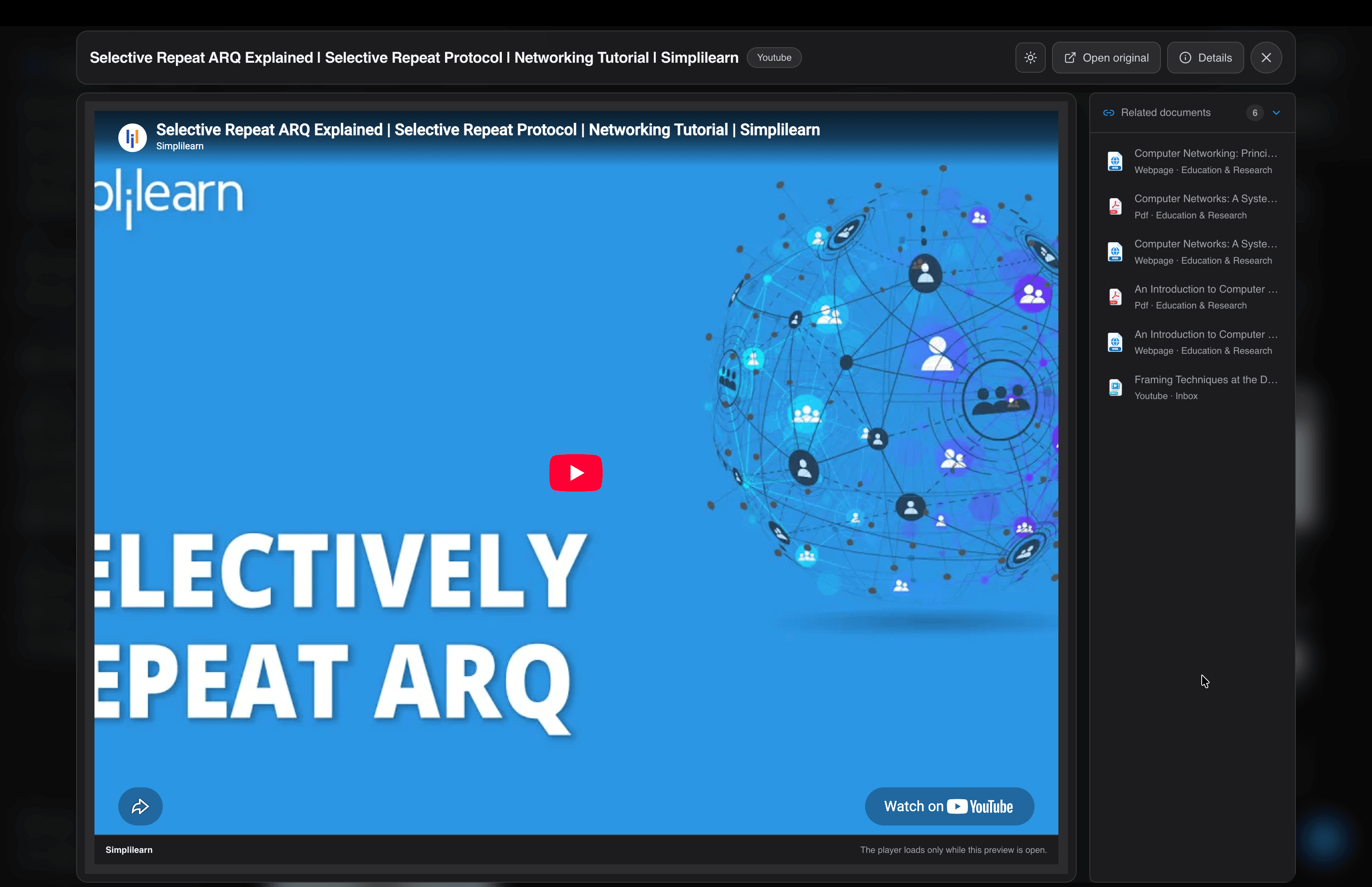
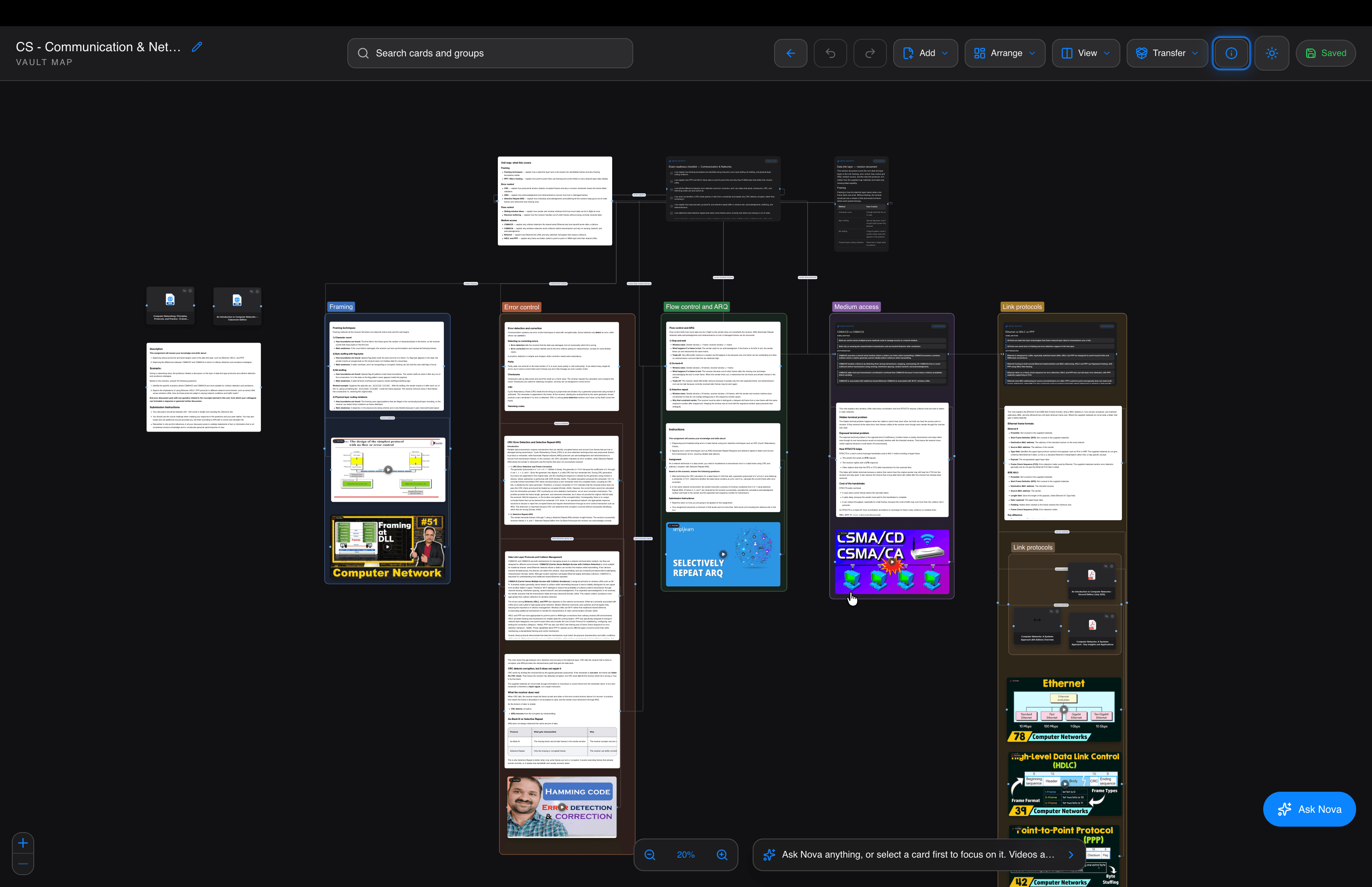
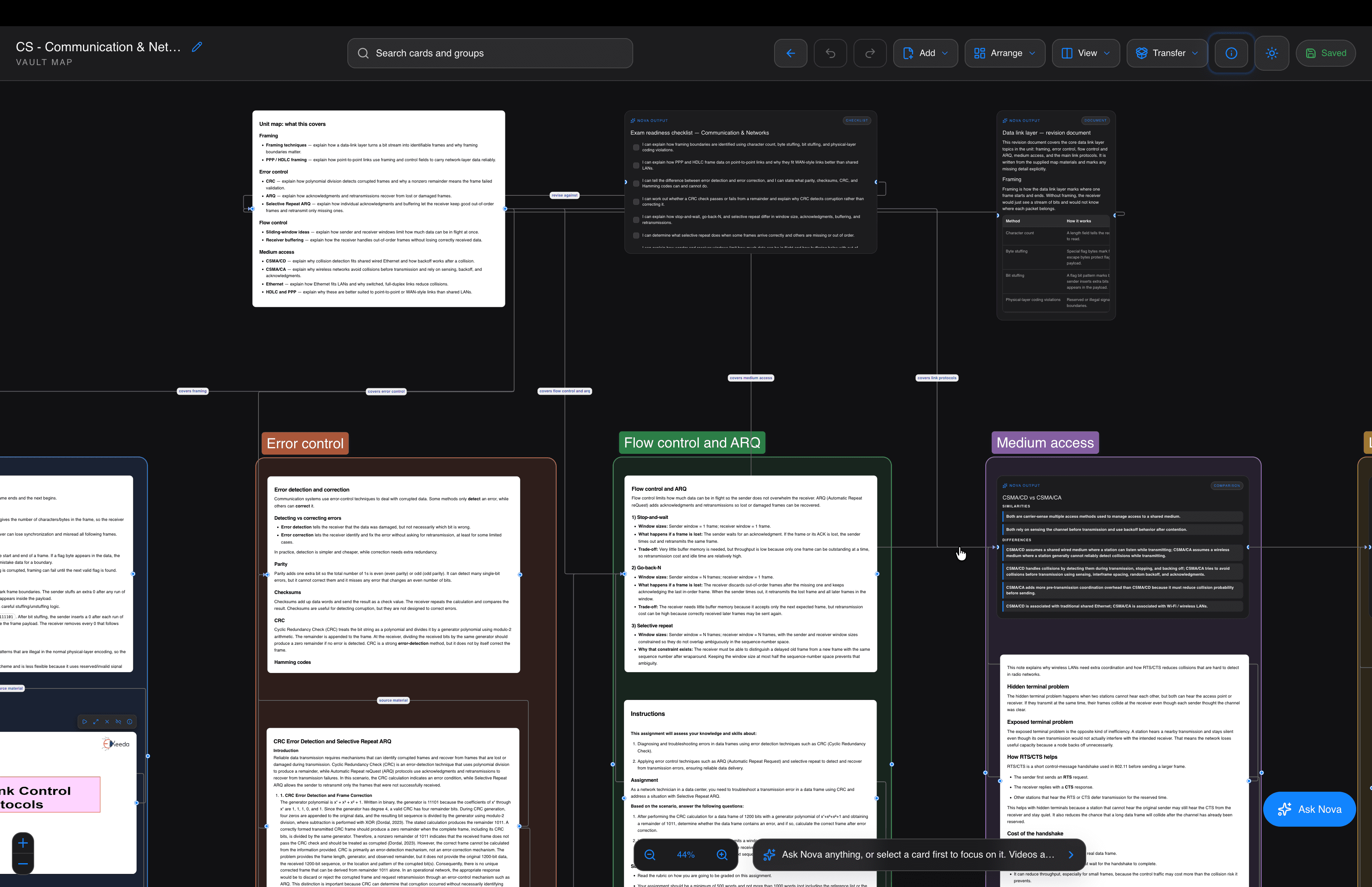
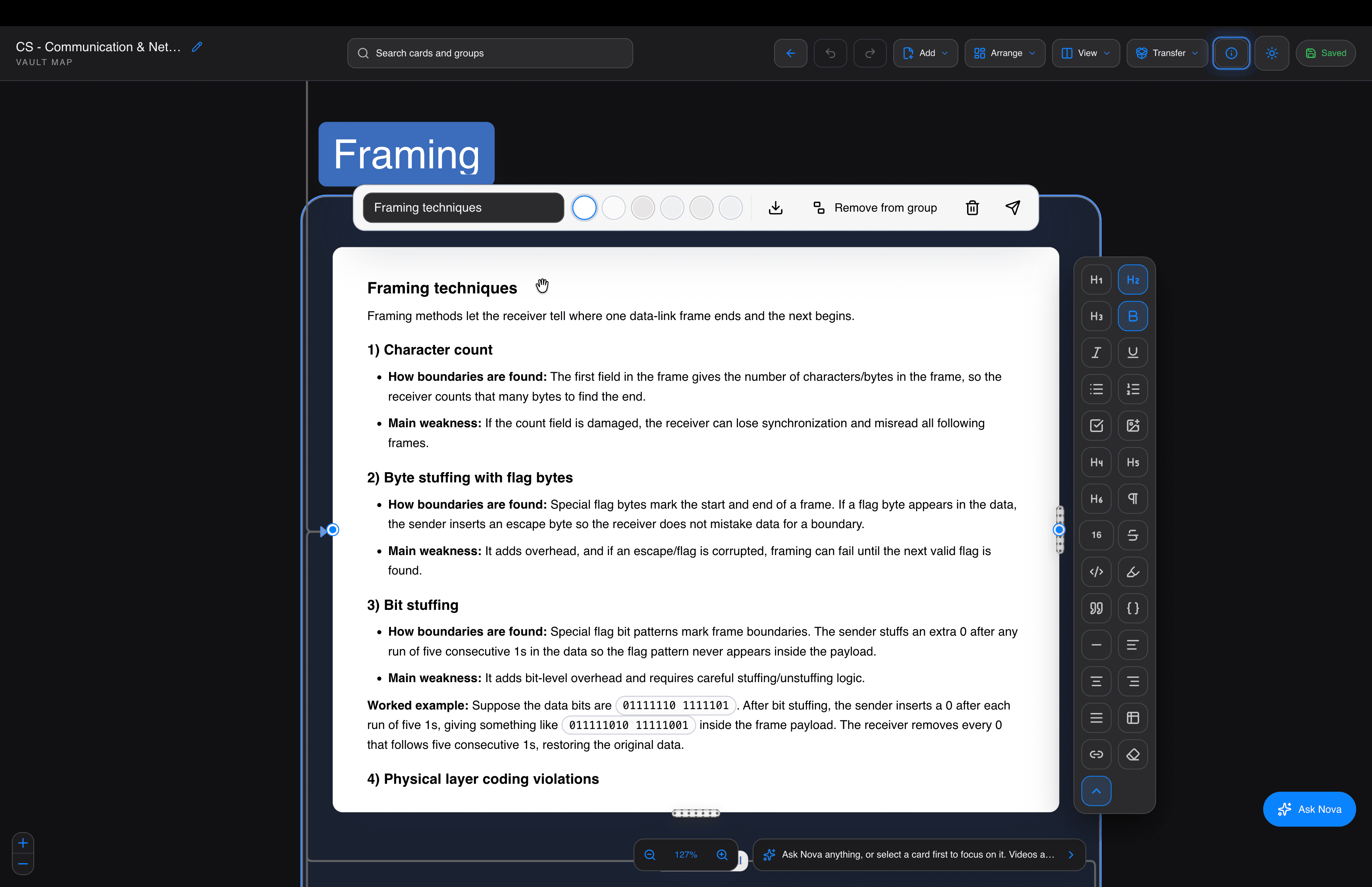
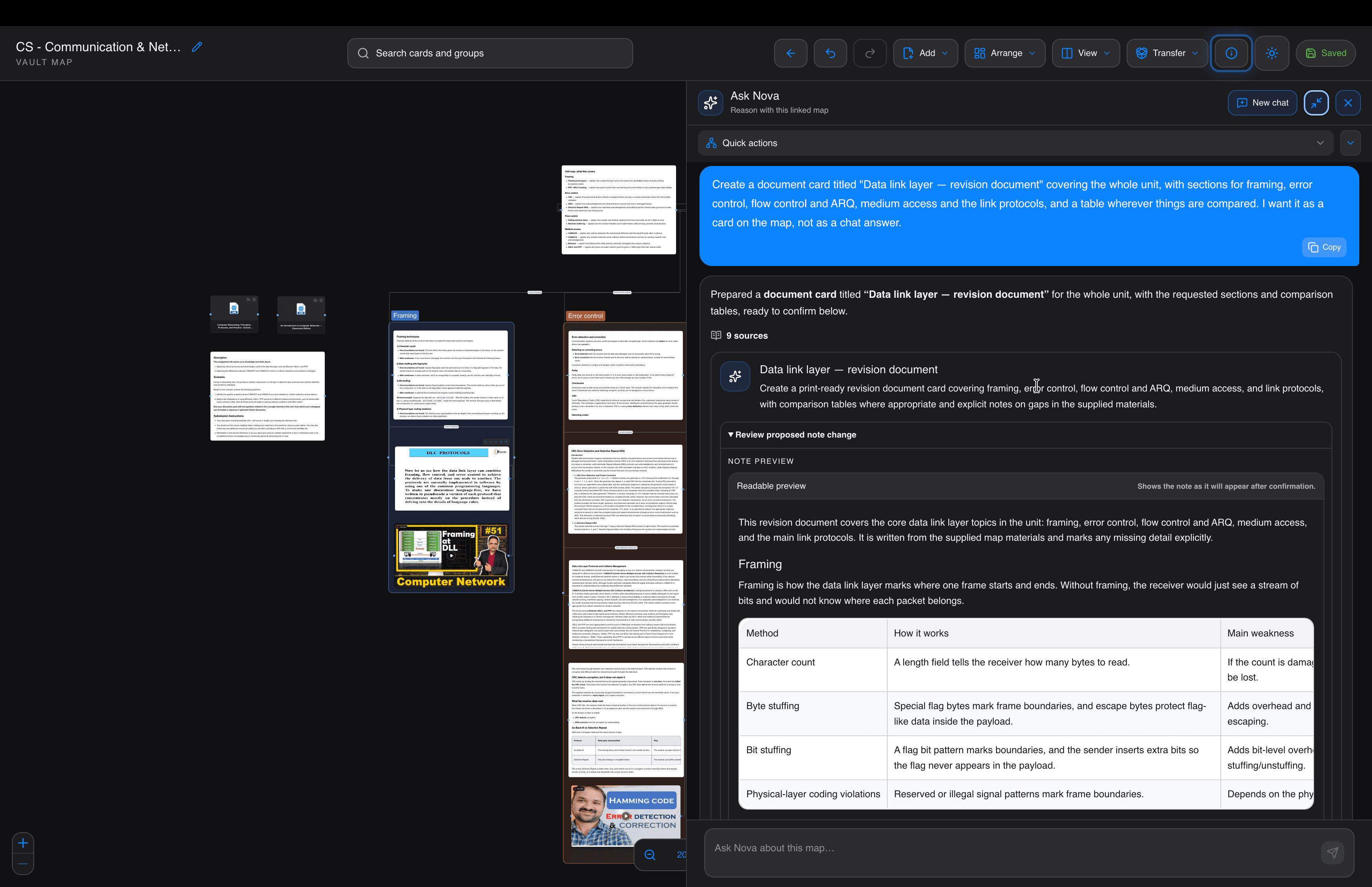
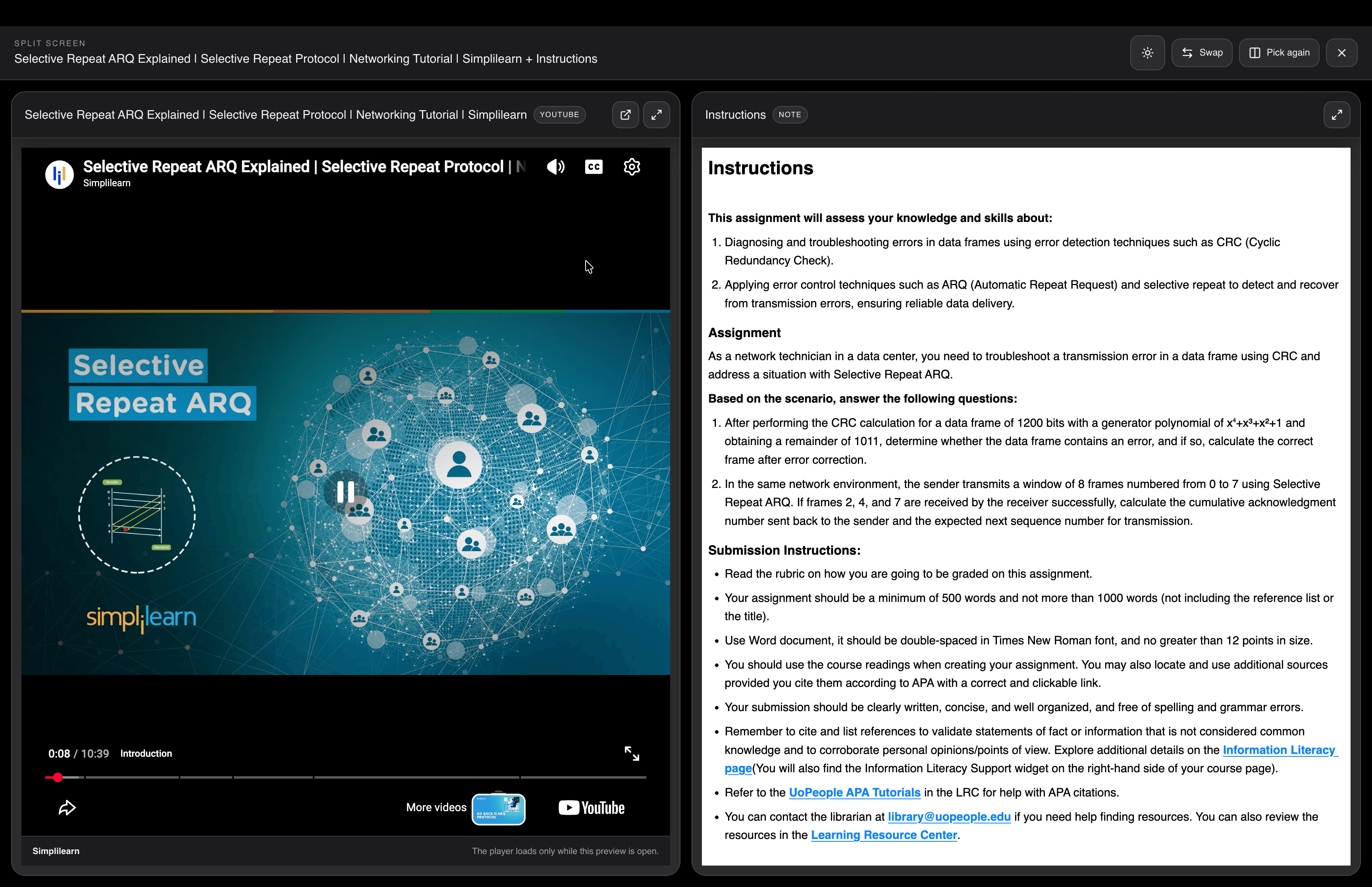
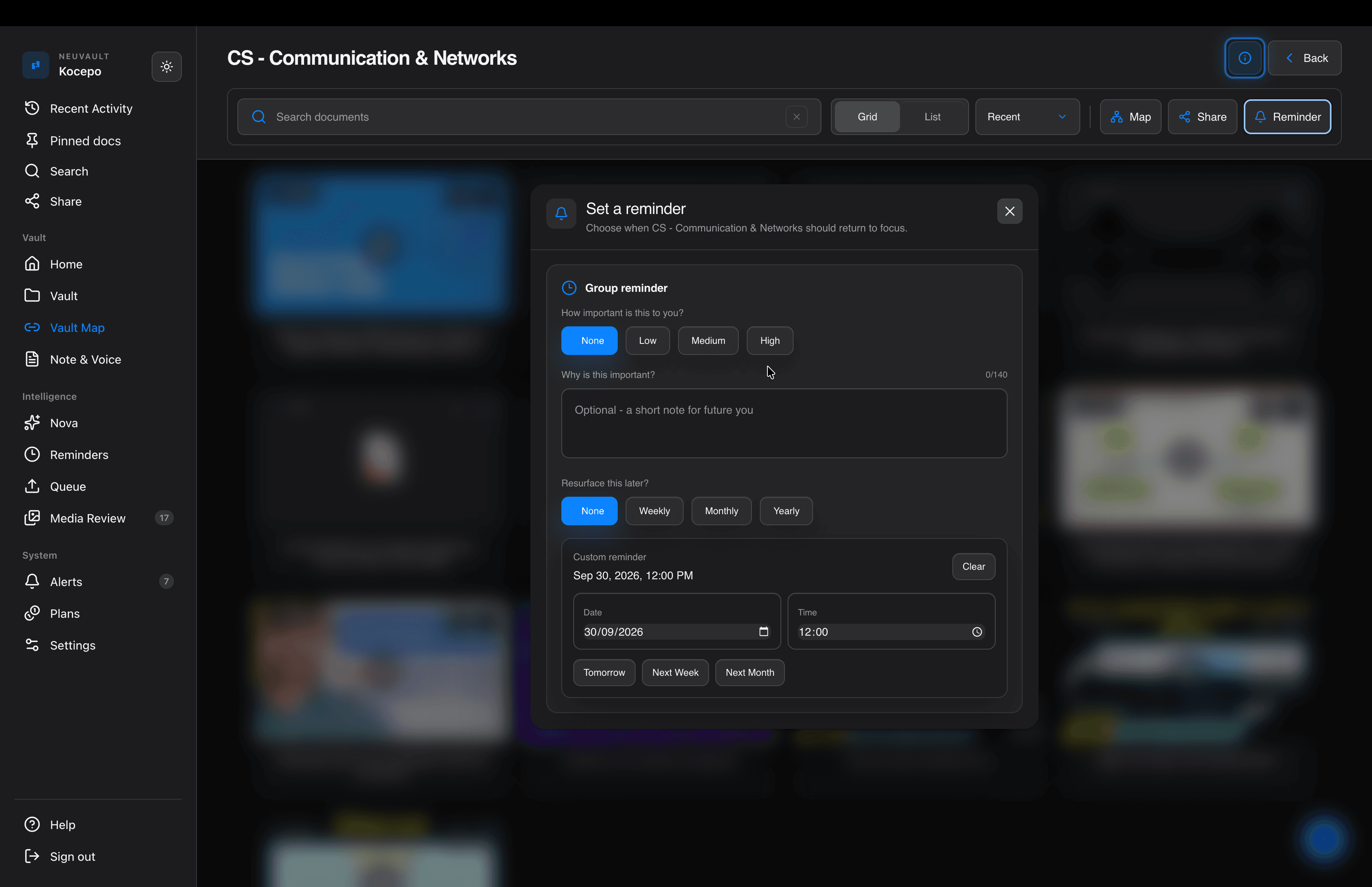
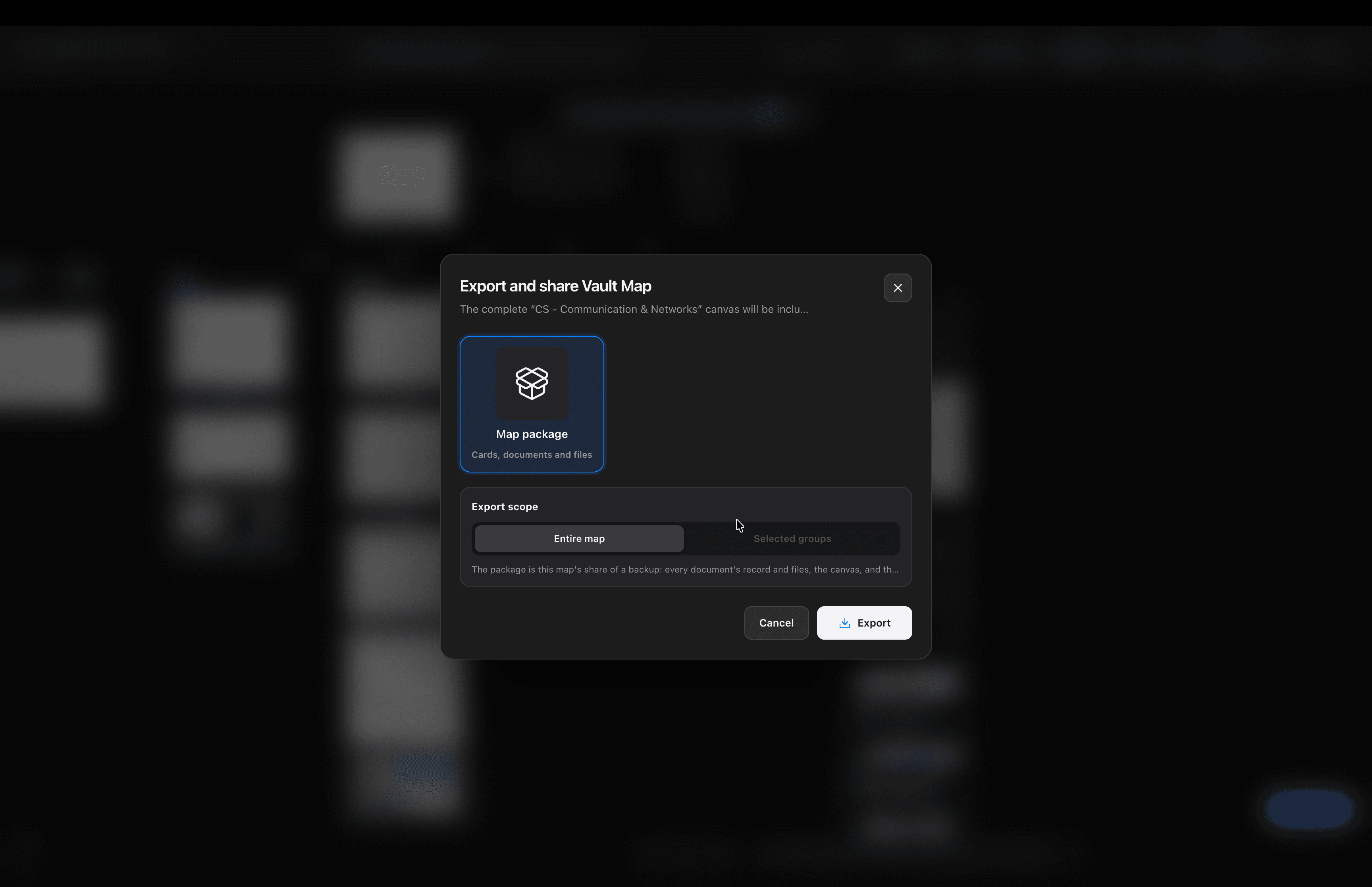
A project is more than a folder. Bring research, files and working notes onto one canvas. Read side by side, ask Nova to help you reason, and share the whole map.

A week in Japan · Vault MapIdeas → Photos → Video → Notes → Nova
00 / 178s

04 REMINDERS

Dates found for you.
Reminders set by you.

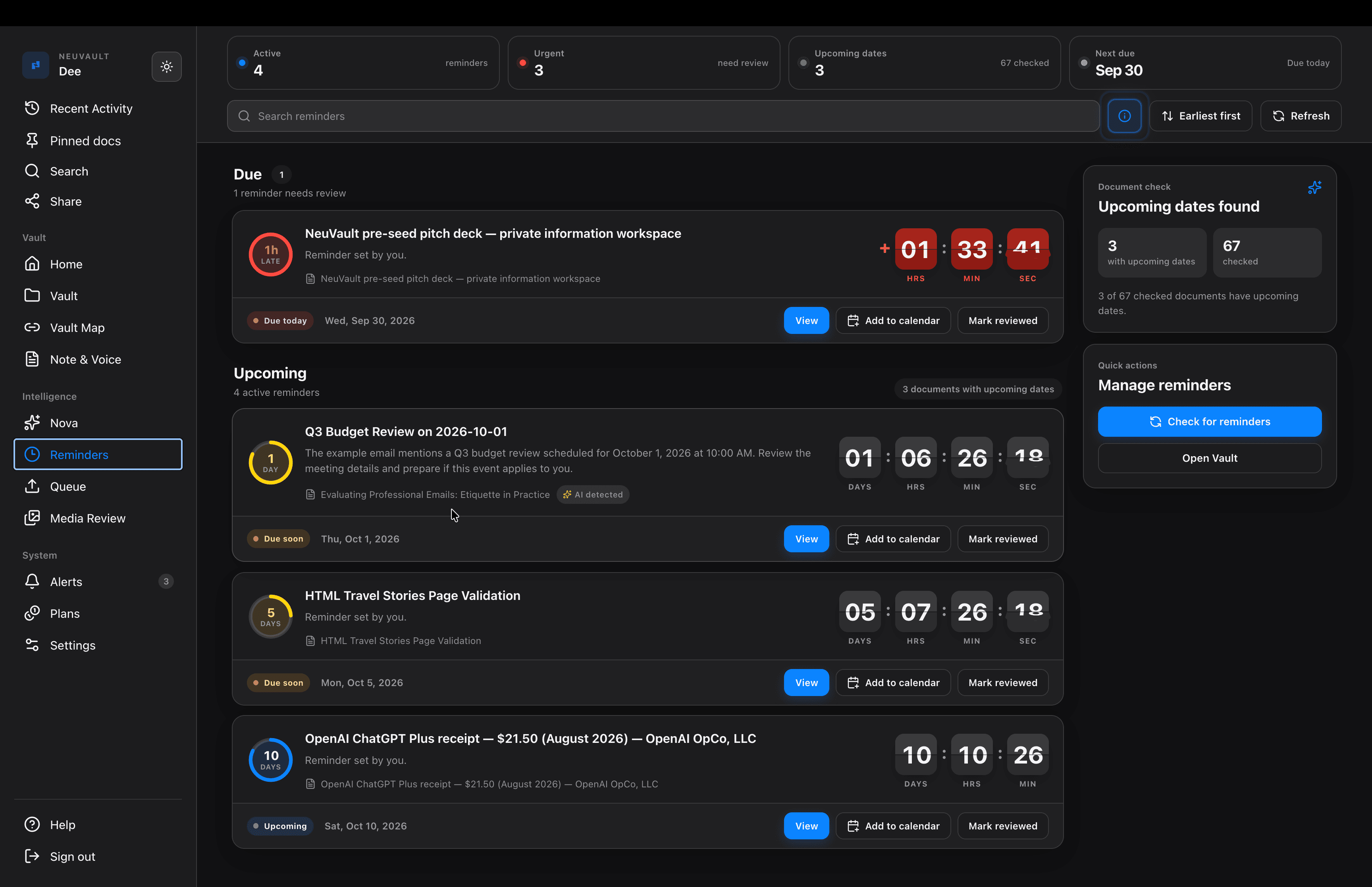
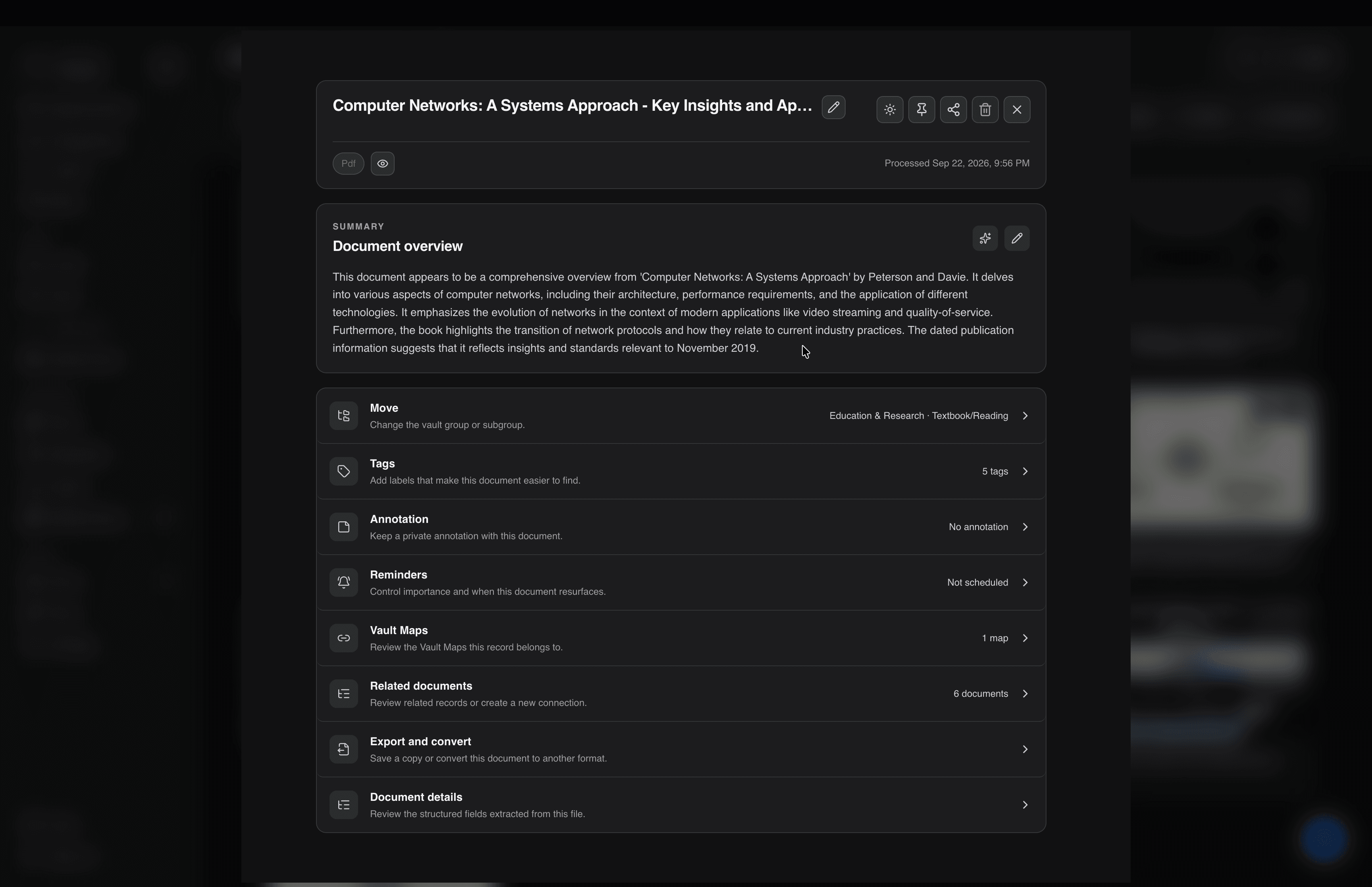
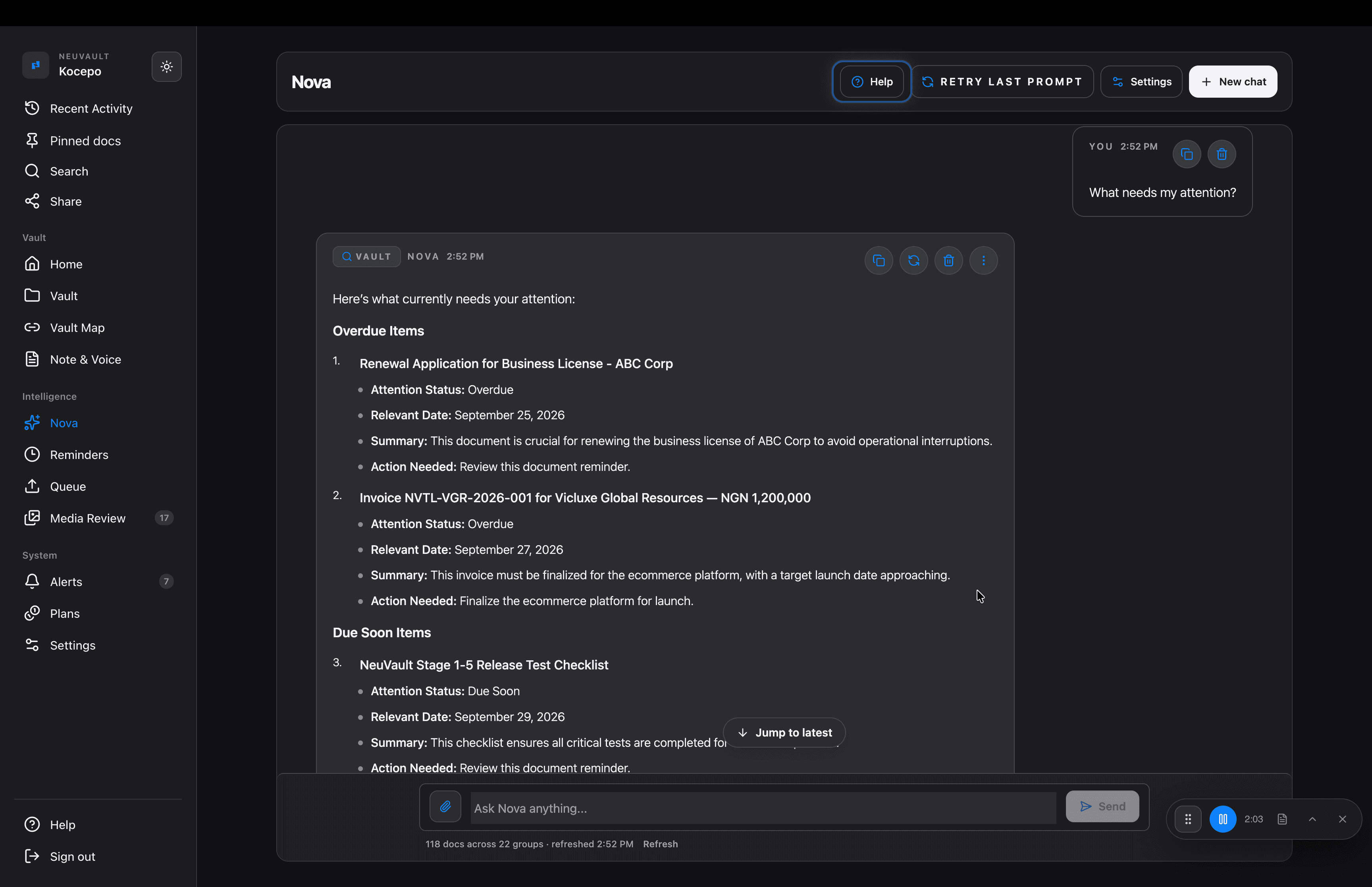
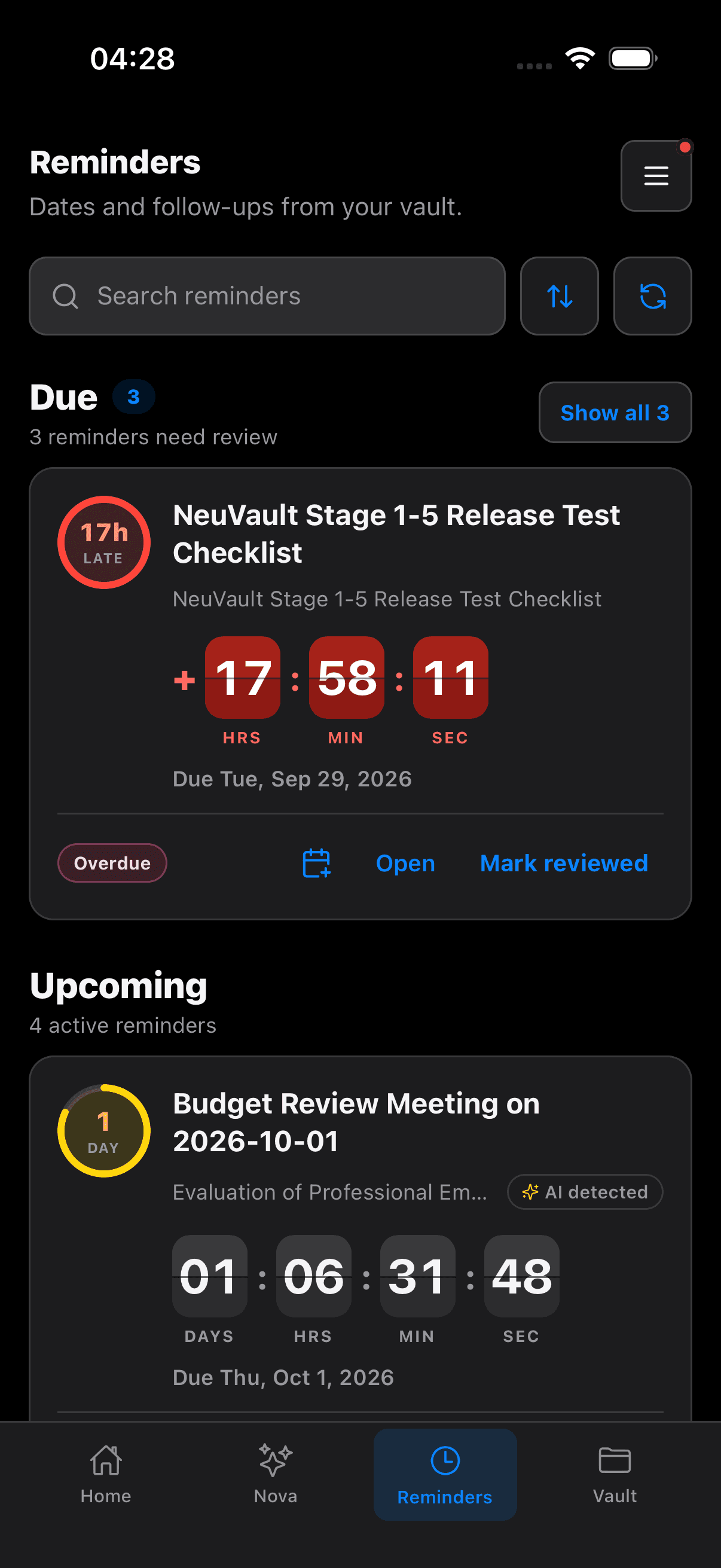
Keep AI-detected dates and your own reminders together. Open the source document, set its importance, choose when it returns, and carry on.

Inside NeuVault RemindersDetected dates · Your reminders · One list
00 / 38s

The problem & the solution

Everything you save.
Easier to find and use.

Your work gets scattered across apps. NeuVault keeps the pieces together, with the context and dates you need.

  • The problem

    Saved in too many places.

    Notes, files and links end up in different apps.

    With NeuVault

    Keep them in one vault.

    Bring documents, scans, notes, recordings and links into one place.

  • The problem

    Hard to find again.

    You remember saving it, but not where.

    With NeuVault

    Find it with its context.

    Search your vault or ask Nova. Put related files and notes together on a Vault Map.

  • The problem

    Easy to miss a date.

    Renewals and deadlines stay buried in documents.

    With NeuVault

    Bring dates into view.

    See AI-detected dates and reminders you set. Plan the next step with the source attached.

  • The problem

    You want more control.

    Your notes and files should stay available to you.

    With NeuVault

    Keep your files on your device.

    Read saved files, edit notes and manage tasks offline. Back them up with your Recovery Key.

AI features and Planner sync need an internet connection.

More about privacy, backups and imports

Local-first. Yours to keep.

NeuVault Backup & Recovery Key

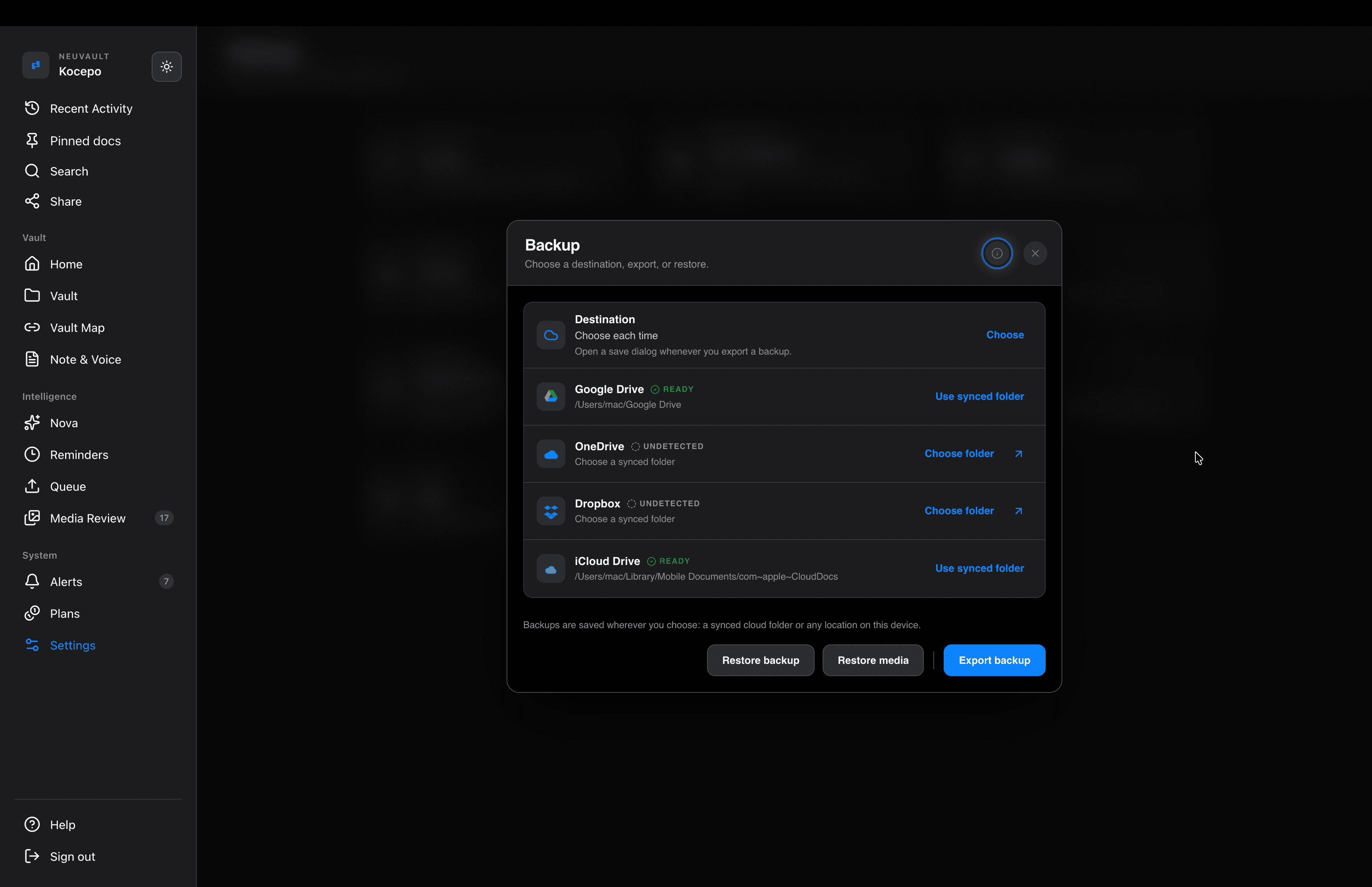
One encrypted file, saved where you choose. Only your Recovery Key opens it, and it restores on any of your devices.

Your deviceGoogle DriveiCloudOneDriveDropboxUSB driveOur servers: not involved

Local-first, with offline access

Your files and notes stay on your device. Browse saved material, edit notes, and manage Planner tasks offline. AI processing and Planner sync need an internet connection. Relevant content is sent for processing when you use AI.

Without internet

  • Planner tasks and events
  • Notes
  • Files and scans
  • Recordings
  • Imported videos
  • Search
  • Backup

Needs internet

  • Planner sync and server reminders
  • NeuVault AI: organize, transcribe, Nova
  • YouTube videos and web pages
  • Signing in
NeuVault backup settings, with Google Drive, OneDrive, Dropbox and iCloud Drive as destinations

Save anything. Find it again.

One app instead of five

Documents, scans, notes, recordings and links, sorted together in one place.

DocumentScanNoteRecordingOrganizewith AITitle · tags · groupReminderRenews 12 MarDocumentScanNoteRecordingOrganize with AITitle · tagsReminderRenews 12 Mar
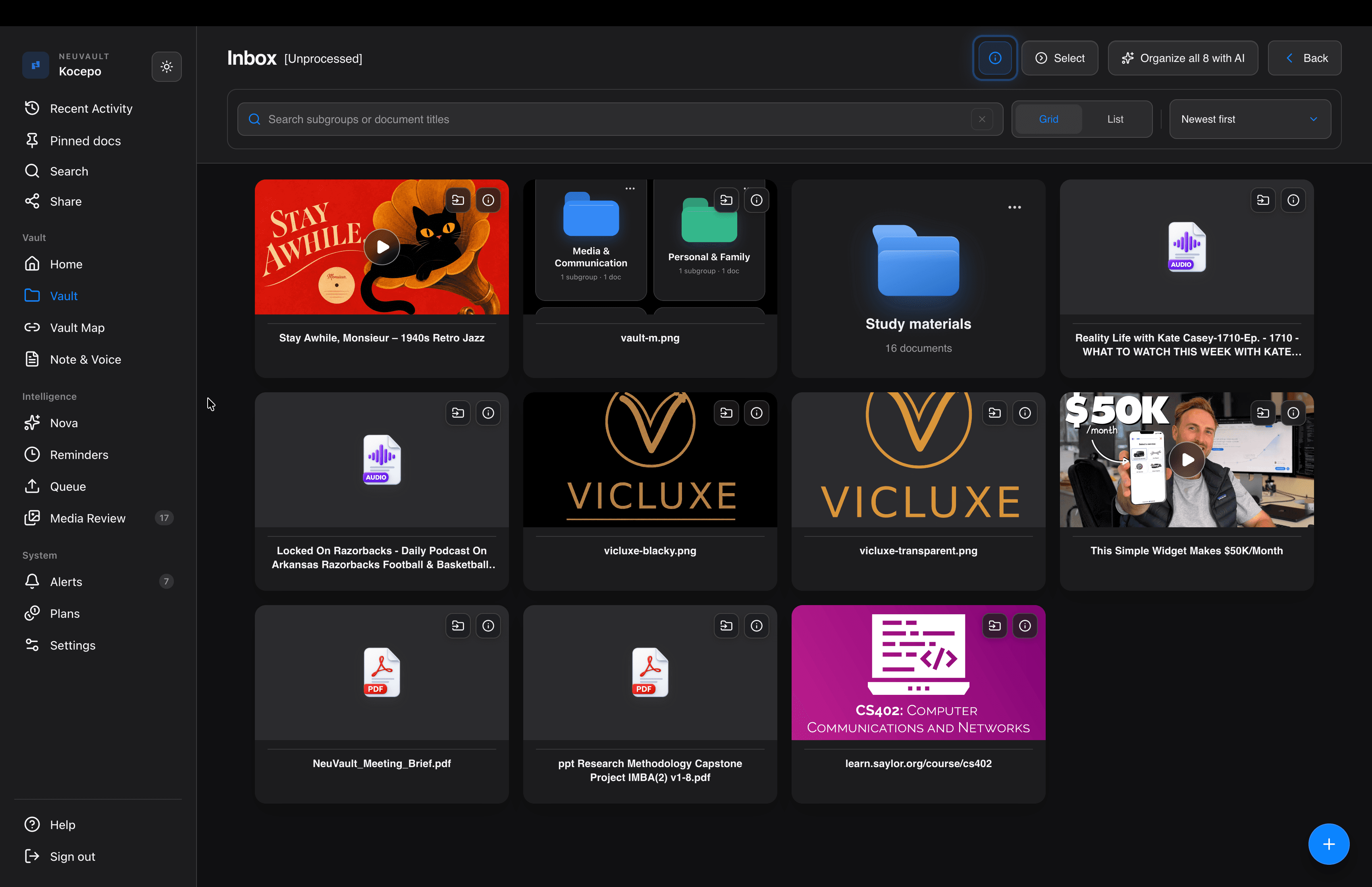
Saved without AI? It waits in your Inbox, unread.

Send it in from anywhere

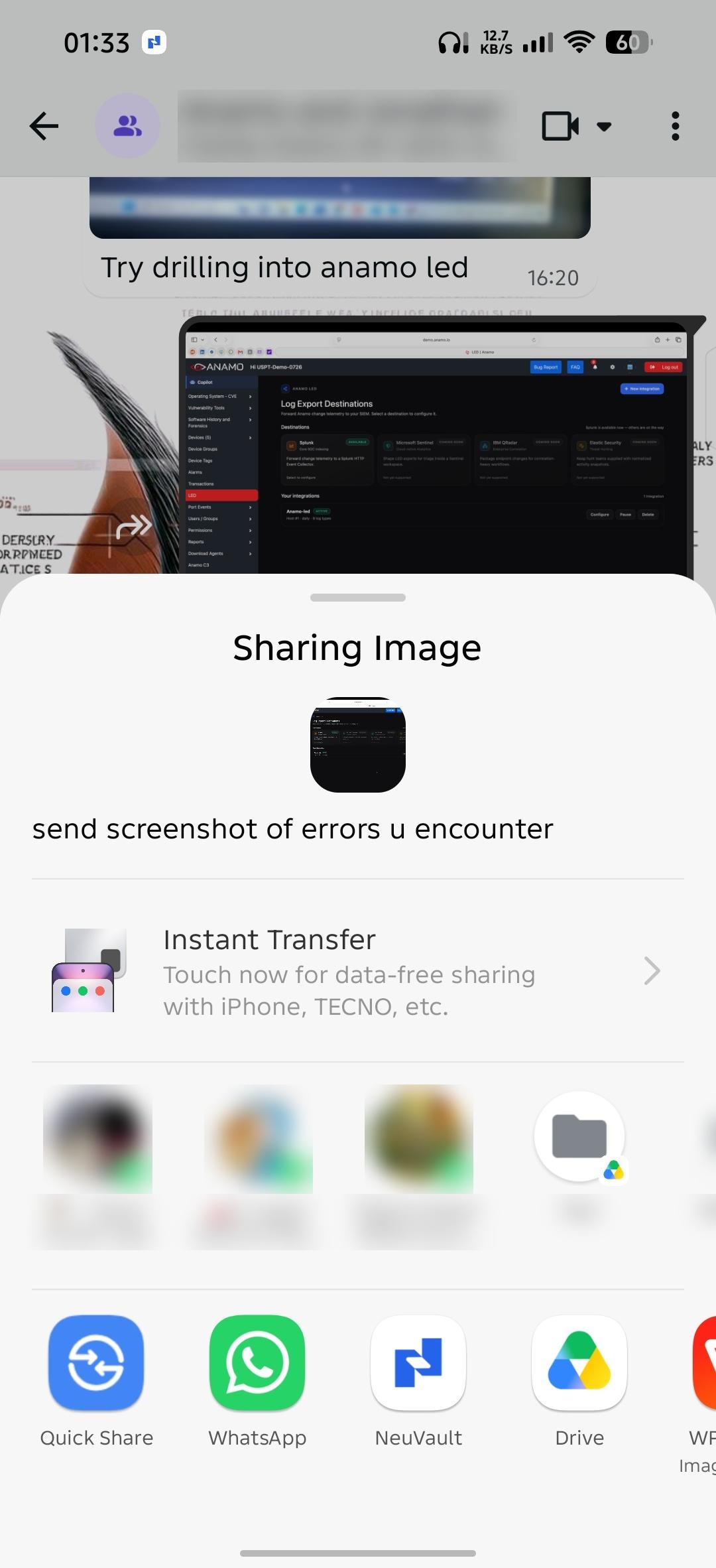
On your phone, tap Share in any app. On your computer, use the Save to NeuVault extension.

iPhone · Android

In your pocket.

Capture it the moment it arrives, and check what is due wherever you are.

Folders keep what you save.
They never tell you when it matters.

Save it for later.